
The strategy document
Your strategy document is the written record of your session two call: Cora's analysis of your numbers, your goals, the strategies you approved and every action plan, page by page. It opens under Marketing Plan once session two is done and you have chosen a plan, and it does not change after the call.
- You have finished your session two call with Cora. See your strategy session.
- You have chosen a plan, at the end of the call or later. See the plans.
Open your strategy document
-
In the sidebar on the left of your dashboard, click Marketing Plan. The Marketing Plan menu opens beside the sidebar with My Strategy already selected.
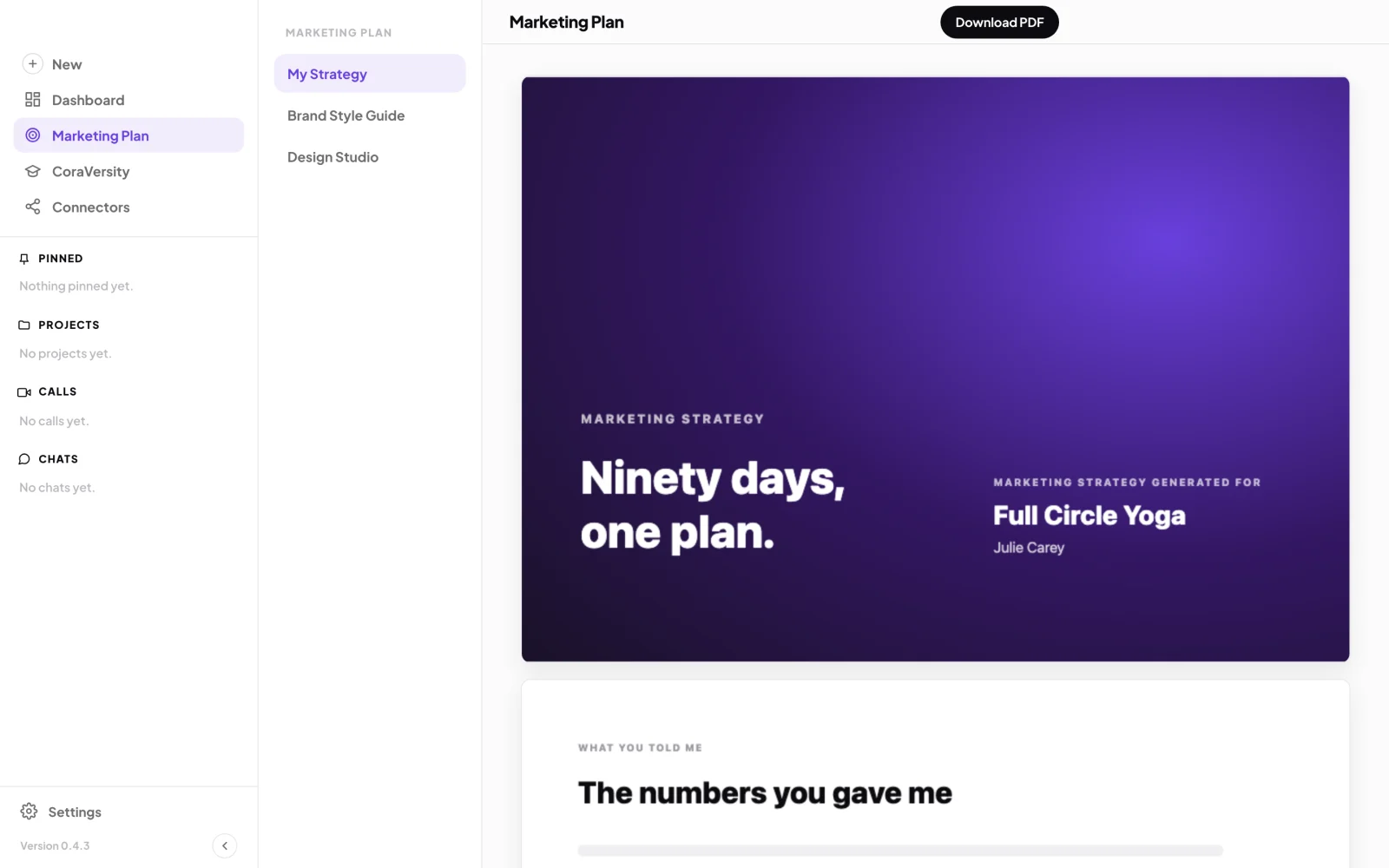
1 My Strategy is the first item in the Marketing Plan menu. -
Scroll down to read. The first five pages load when the page opens, starting with the cover.
-
At the bottom of those pages, click Load 5 more to see the next five. The line under the button says how far through you are, for example 10 of 42 pages, and says All 42 pages once every page is in.
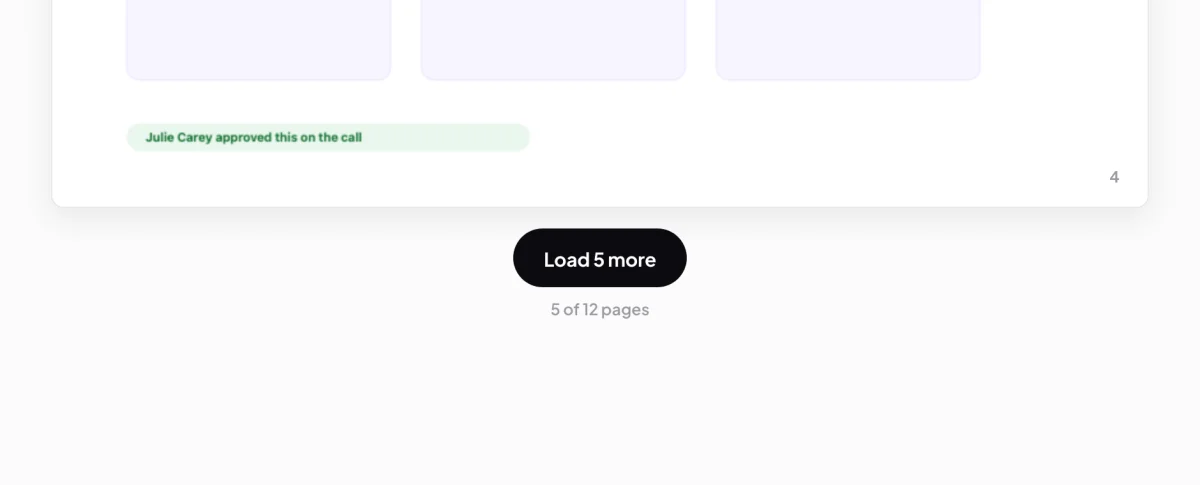
3 Load 5 more brings in the next pages.
What is in it
-
Read the opening pages: what you told Cora in session one, what Cora looked at since, and the two measures Cora uses.
-
Read the analysis. It follows the call in order: Know your customer, How you compare to your industry, Performance by platform (one section for each platform you connected), and Your funnel. Each section ends with a quick recap.
-
Read Your marketing strategy and plan: your twelve month goal and the monthly goals that get you there, the next three months, your three strategies with a page each, and then every action plan, written out step by step with who runs each step and how long it takes. See Goals, strategies and tactics.
-
Read the last pages: your two scores (your trust score and your performance score) and the summary.
-
Under the document, the card headed The strategies you approved lists each strategy you approved on the call with the measure it is aiming to move.
NoteThe document only holds pages that were shown in your call. A strategy you rejected is not in it; the one you chose in its place is. The welcome, the approve screens and the prices from the call are left out.
What happens next
Your action plans are also waiting in Projects, under Your strategies, where you work through them step by step. See Projects and action plans. To keep a copy, click Download PDF beside the page title: see Download your plan as a PDF.
Common questions
Why is my strategy document blurred?
It is locked. Before session two the pop-up over it says Your strategy document unlocks after your session two call and offers your next step, such as Start session one, Book session two or Start session two. After session two, if you have not chosen a plan, it says Your strategy document is ready to view; click Unlock to choose one.
Does the document update with my latest numbers?
No. It is a record of the day you had your session two call, so it never changes. Your latest numbers are on your dashboard.
It says Cora is preparing my strategy document. How long does that take?
The document is made from your call straight after it ends, which usually takes less than a minute. The page opens on its own when it is ready. If it says Cora could not finish your strategy document, click Try again.
It says we could not open my strategy document
That is a connection problem, and your document is safe. Click Try again. If it keeps happening, send us a message from the contact page.