
Plans and what each includes
CoraVision has three plans, Plus, Pro and Max, and Max comes in two sizes, ×3 and ×6. They differ in the size of your weekly usage allowance and in how many connectors (platforms Cora reads every night) they include, and every plan unlocks your dashboard, your strategy document and its PDF, your projects and the Design Studio.
- A new account starts on a free trial. Cora runs on your free trial credit until you choose a plan.
- All prices are in US dollars and are shown on the plans page in Settings. If you are in Australia, GST is added at checkout.
Open the plans page
-
At the bottom of the sidebar, click Settings.
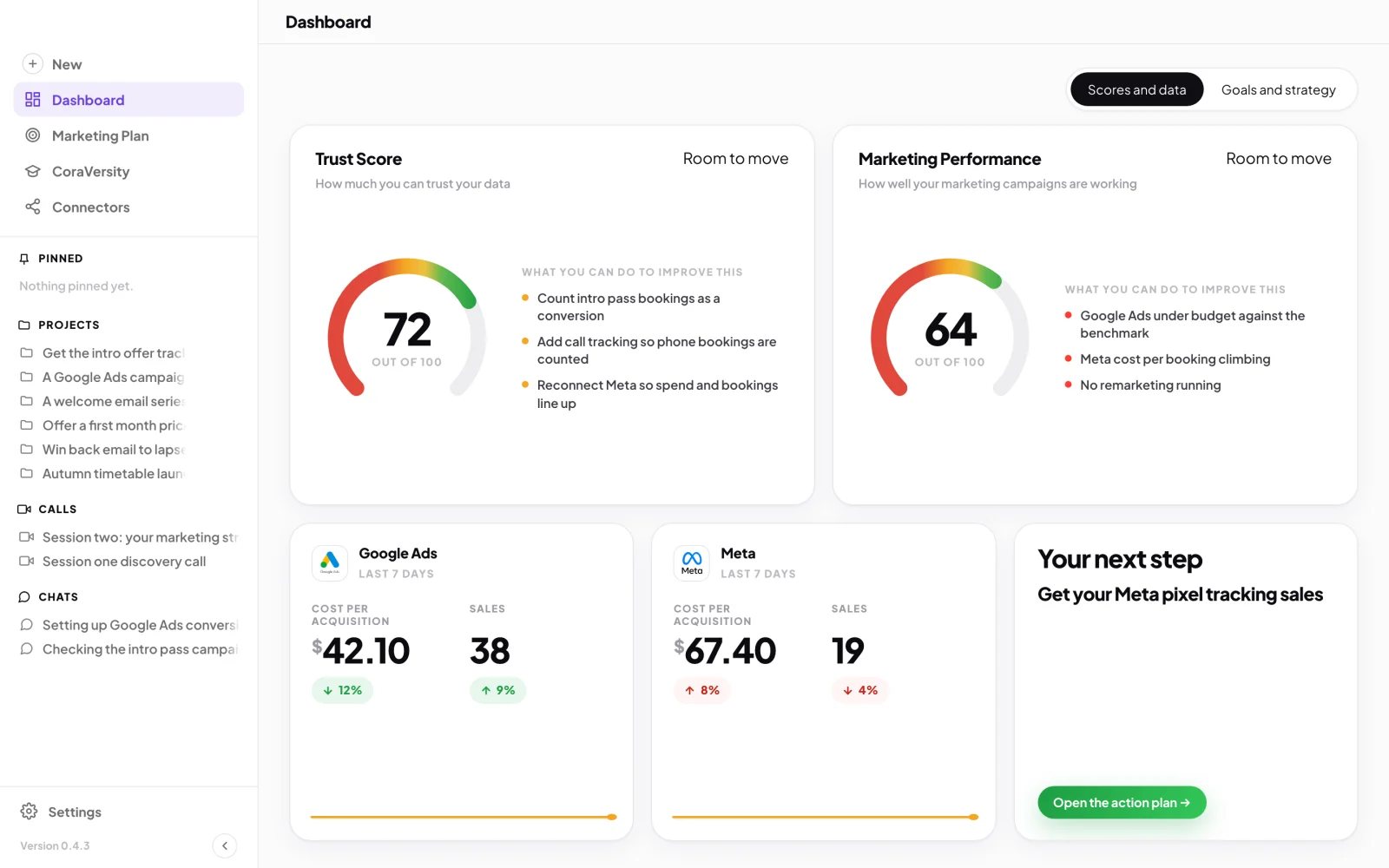
1 Settings sits at the bottom of the sidebar. -
In the Settings menu, click My Plan & Usage.
-
Under Your plan, click View plans. The plans page fills the window. It is titled Choose a plan, or Change your plan if you already have one.
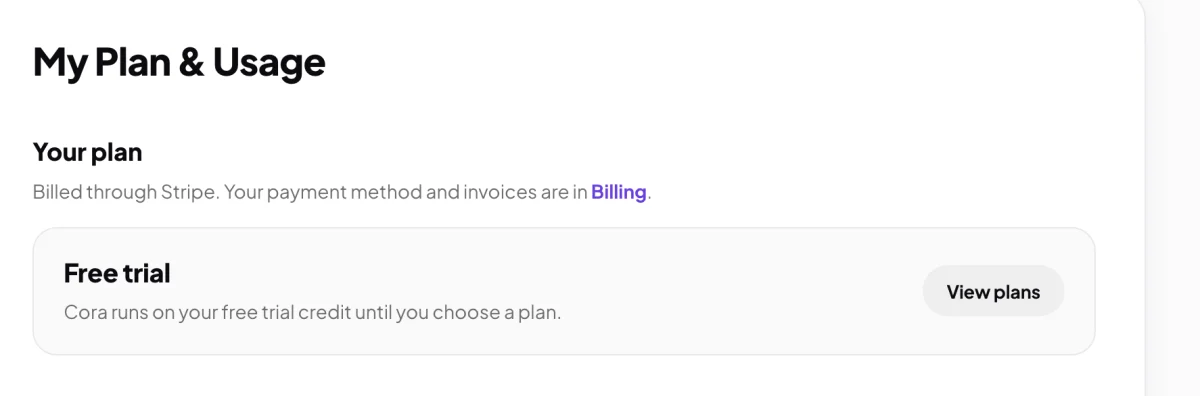
3 View plans opens the plans page.
Compare the plans
-
At the top, choose Pay yearly or Pay monthly. Yearly opens first and shows how much it saves. Every card shows its price a month, and on yearly also the price for the year.
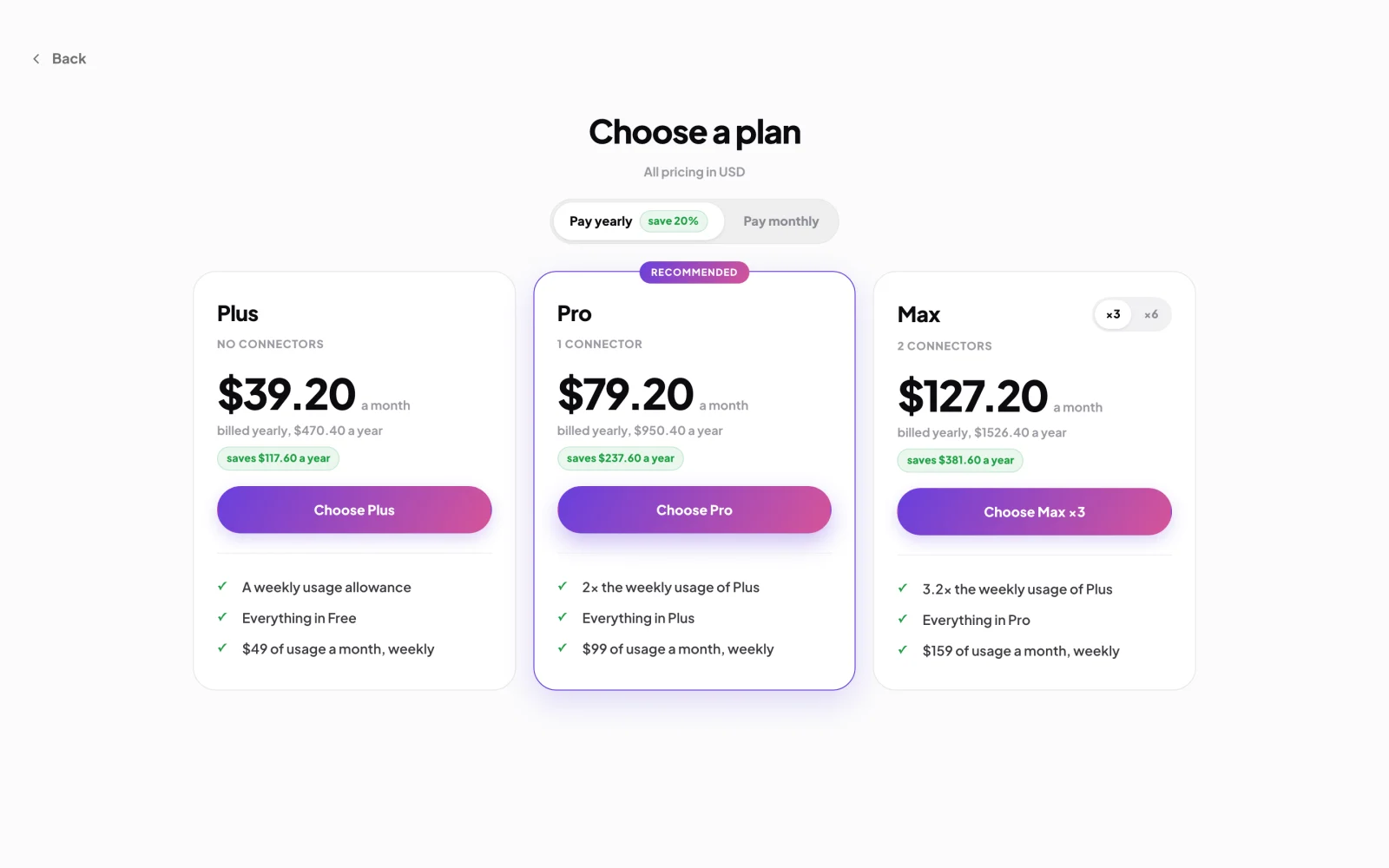
4 Yearly or monthly. 7 The two sizes of Max. -
Read the Plus card. Plus gives you a weekly usage allowance and no connectors.
-
Read the Pro card, marked Recommended. Pro includes one connector and twice the weekly usage of Plus.
-
On the Max card, click ×3 or ×6 to see each size. Max ×3 includes two connectors and about three times the weekly usage of Plus. Max ×6 includes four connectors and about six times.
NoteA connector is one platform Cora reads every night, such as Google Ads or Meta. The list of ticks under each price says exactly what that plan includes today.
Choose your plan
-
On the plan you want, click Choose and the plan's name (for example Choose Pro). If you already have a plan, the button says Upgrade to or Downgrade to instead.
-
On the checkout page, check the plan and the Total due today on the left, enter a code if you have one, add your card on the right, and click the Pay button, which shows the total. When you see Payment successful, click Continue.
NoteYour card details go into a form run by Stripe, our payment provider. They never reach CoraVision's servers.
What happens next
Your plan starts as soon as the payment clears, usually within a minute. My Plan & Usage shows the plan, its renewal date and a Weekly allowance meter, and your allowance starts again every week. Read Your weekly allowance and the usage percentage to see how it is counted.
Common questions
What does the free trial include?
A new account gets free trial credit, and Cora runs on it until you choose a plan. My Plan & Usage shows how much of it you have used, as a percentage. When it runs out, the plans page opens so you can choose a plan.
Can I change plans later?
Yes, from the same plans page. An upgrade starts straight away, and the checkout shows what you pay today before you pay. A downgrade waits until your renewal date.
How do I cancel?
At the bottom of the plans page, click Cancel my plan, then Cancel plan. Your plan runs to the end of the period you have paid for, then ends. Until then you can click Keep my plan in My Plan & Usage.
Is a yearly plan a bigger allowance?
No. A yearly plan costs less overall, but the allowance is the same weekly allowance as the monthly plan.