
Change a colour, a font or a tone word
There is no way to edit a colour, a font or a tone word in your brand style guide by hand yet. If your website has changed, you can rebuild the guide from it with one click; for a single change, send us a message and tell us what it should be.
- Your guide is unlocked: you have finished your onboarding call.
- To rebuild from your website, the change is already live on your website.
Rebuild the guide from your website
-
In the sidebar, click Marketing Plan, then Brand Style Guide.
-
In the bar above the guide, click Refresh.
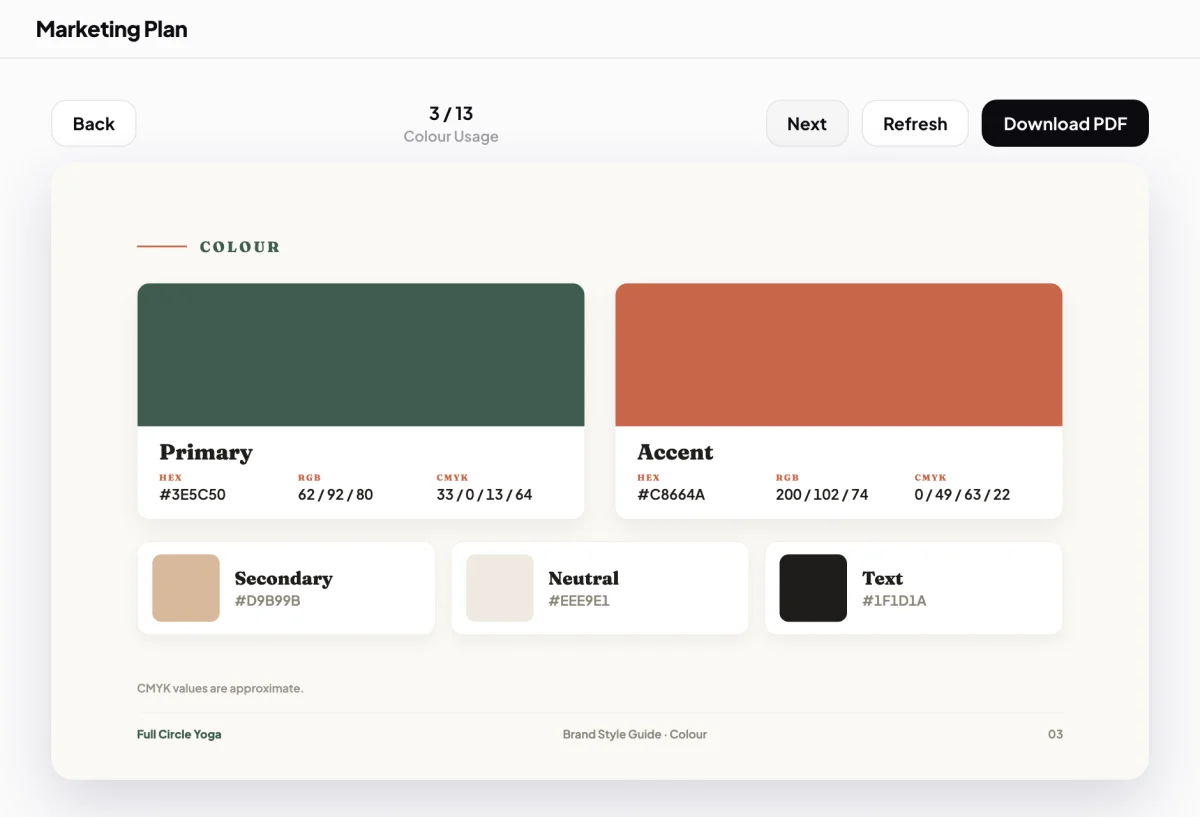
2 Refresh rebuilds the guide from your website. -
Wait while the three steps run: CoraVision scans your website again, Dune writes the guide again from your website and your onboarding answers, and then every page is redrawn. This takes a minute or two.
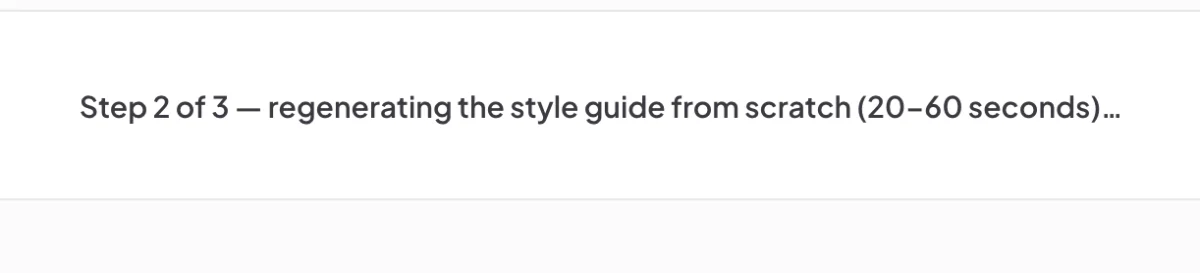
3 The message says which of the three steps is running. -
Check the guide. It opens on the page you were on.
The whole guide is rewrittenRefresh builds the guide again from scratch, so the wording can change as well as the colours and fonts. In the Design Studio, the three starter designs made from your old guide are replaced with new ones, unless you have changed or saved them.
Ask us for one change
-
Open the contact page.
-
Say what to change and what it should be, for example: the accent colour should be #2E7D6B, the headings should use the font Lora, or the tone should be warm rather than formal.
-
Send the message. A person reads it and replies within one business day.
What happens next
New designs in the Design Studio use your guide as it stands. To change the look of one design only, ask Dune in the studio, for example "make the buttons dark green". That changes the design, not your guide. See The Design Studio and Dune.
Common questions
Why did the guide pick the wrong colour?
The colours come from your website and from what you told Cora in your onboarding call. If your website shows one colour more than the one you think of as your brand colour, the guide may lead with that one.
Refresh said it failed. Is my guide gone?
No. The message says The stored book is untouched. Click Back to the book to return to it, and try again later.
Can Cora change it in a chat?
No. Cora can talk to you about your brand, but Cora cannot edit the guide.