
What the brand style guide is
Your brand style guide is a short book about how your business looks and sounds: your colours, your fonts, your tone of voice and who your customer is, with examples of your brand on an email, a website and social posts. Dune, CoraVision's creative director, builds it from your onboarding call and your website, and Dune designs everything in the Design Studio from it.
- You have finished your onboarding call. Before that, the guide is locked: see When you get your brand style guide.
Open your brand style guide
-
In the sidebar, click Marketing Plan, then click Brand Style Guide in the menu beside it.
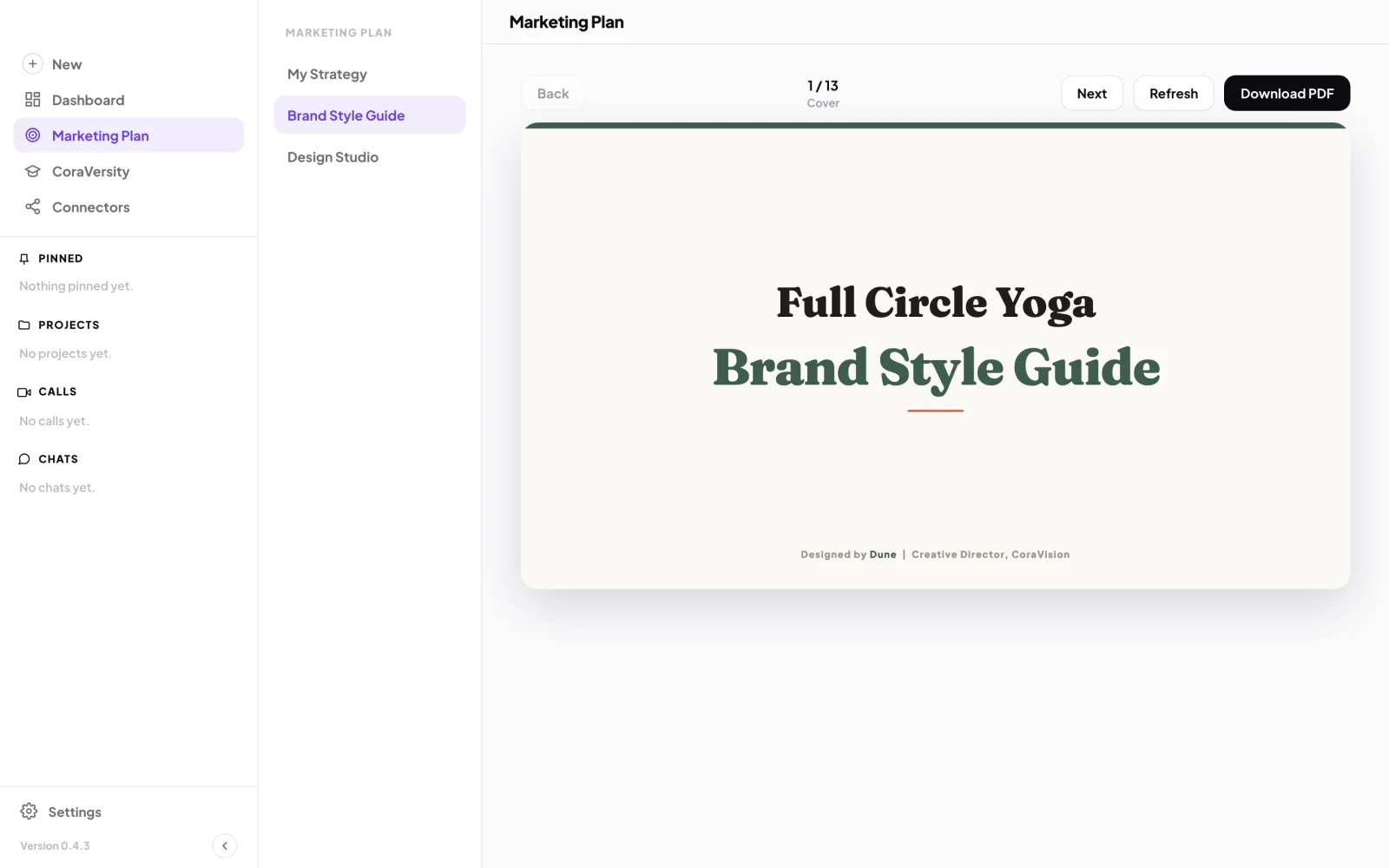
1 Brand Style Guide. 2 Back and Next turn the pages. -
Click Next and Back to turn the pages, or press the right and left arrow keys. The middle of the bar shows the page number and its name.
What is in it
-
Read the brand pages: the cover, Brand Content Pillars (the themes your business talks about), Colour Usage, Typography, Customer Profile, Tone of Voice, and What the Brand Isn't.
-
Read the two Interface Elements pages: how your buttons, headings, backgrounds and logo look on screen.
-
Read the brand in action: your brand applied to an email, a website homepage, email signatures and a social post, using your own words, products and photos where your website has them.
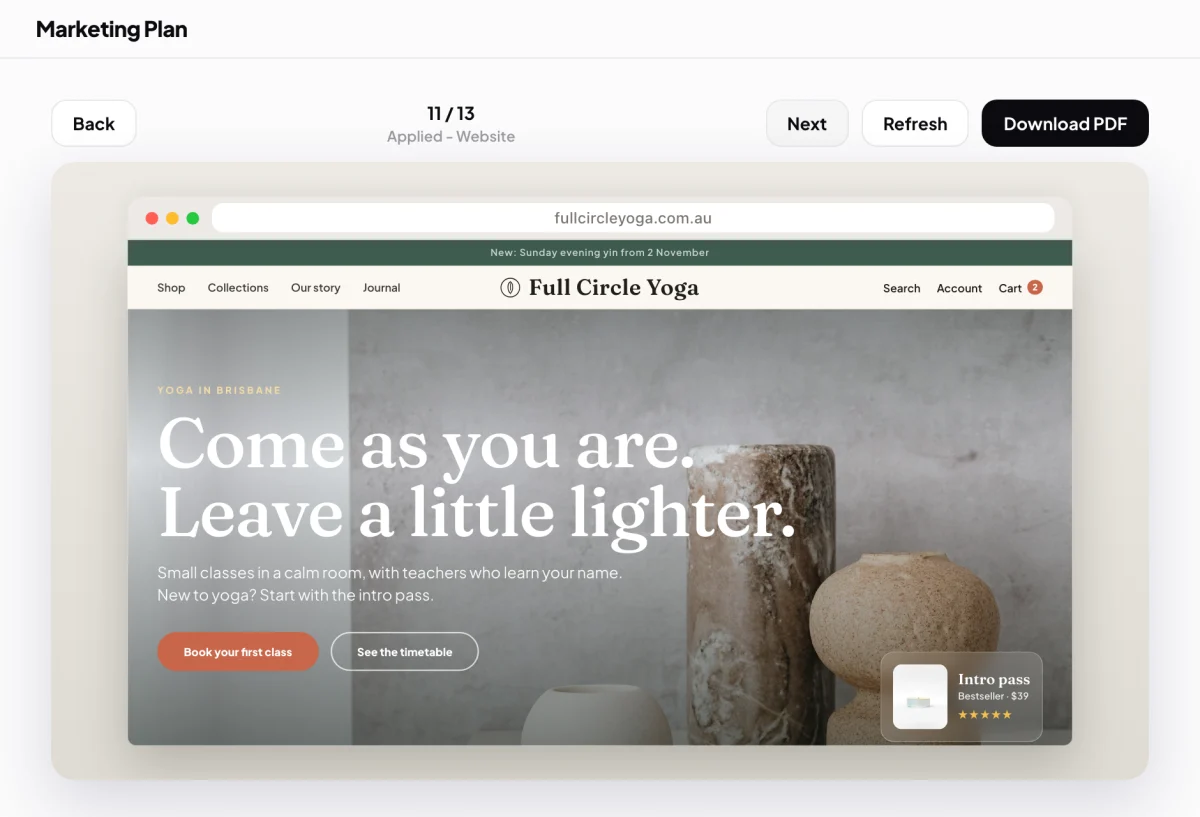
5 The brand in action, on your own homepage.
What happens next
The guide is the source Dune designs from. The colours, fonts and tone in it are the ones your newsletters, web pages and ads use in the Design Studio. See The Design Studio and Dune. To keep a copy, see Download the brand style guide as a PDF.
Common questions
Where does the information come from?
From two places: your answers in the onboarding call, which give your voice, your customer and the colours you want to lead with, and a scan of your website, which gives your logo, colours, fonts, products and photos. Facts such as prices and contact details are only ever taken from your website, never made up.
Why is a page missing from my guide?
A page is only included when there is real information to fill it. If there is not enough to describe your content pillars, for example, that page is left out. Nothing is padded out with made-up content.
Is the brand book the same thing?
Yes. The app calls it the Brand Style Guide in the menu and your brand book in some messages. They are the same document.
Can I change something in it?
Not directly in the app. See Change a colour, a font or a tone word.