
The Design Studio and Dune
The Design Studio is where Dune, CoraVision's creative director, designs things for your business in your brand: an email newsletter, a website page, a social media post or a social media ad. You tell Dune out loud what you want, Dune builds it from your brand style guide, and you change it by talking to Dune until it is right.
- You have had your session two call and chosen a plan. Before that, the studio is locked.
- CoraVision can use your microphone. See Allow the microphone and camera.
- Your sound is on: Dune talks to you.
Open the Design Studio
-
In the sidebar, click Marketing Plan, then click Design Studio in the menu beside it. The studio fills the window.
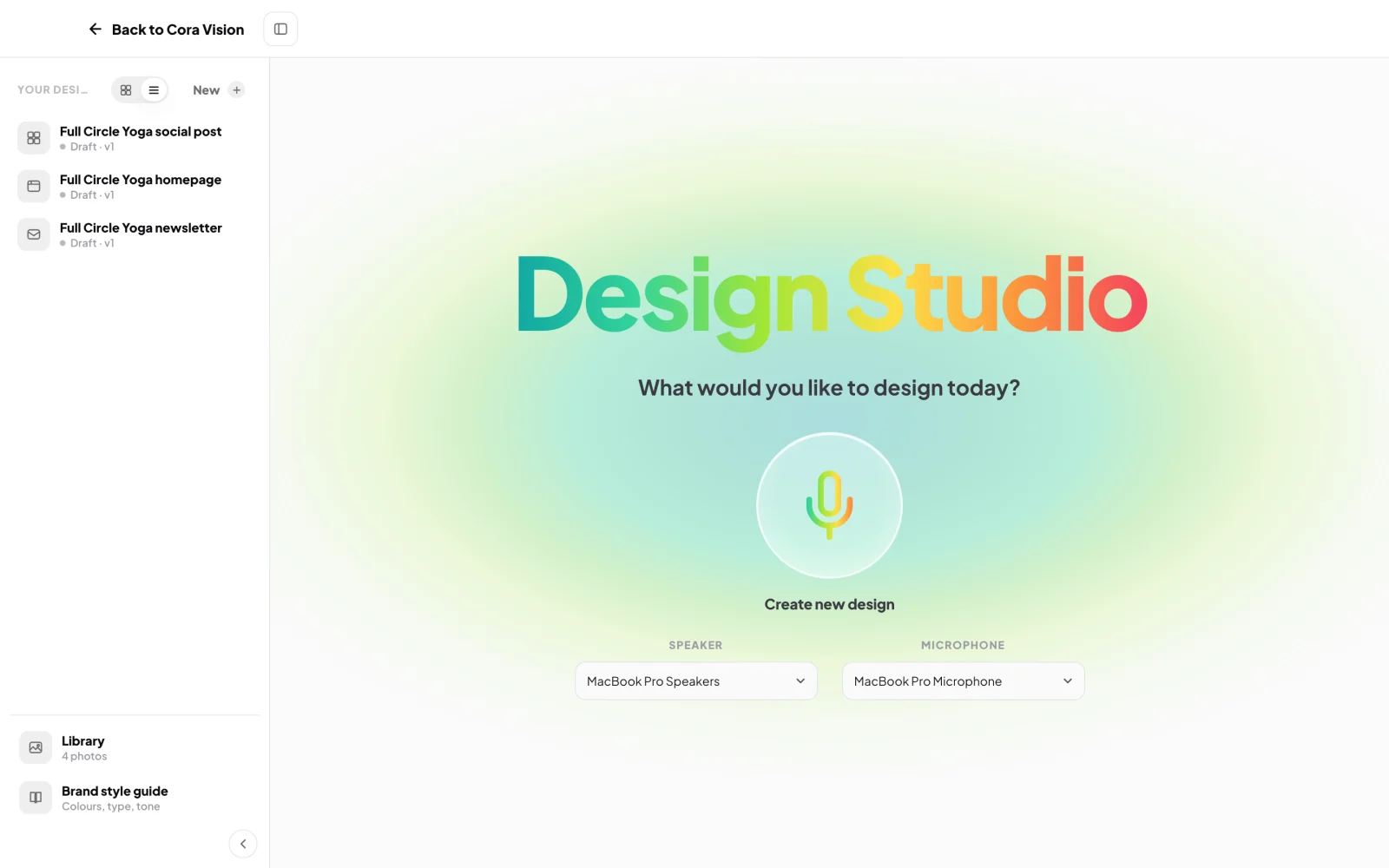
2 Start a new design. 3 Your designs so far. -
On the home screen, under What would you like to design today?, check the Speaker and Microphone are the ones you want. The big microphone, Create new design, starts a conversation with Dune.
-
Open the panel on the left with the arrow at its foot if it is folded. Under Your designs are three starter designs Dune made from your brand style guide: an email, a website page and one for social media. Click one to look at it.
Find your way around
-
At the foot of the panel, click Library to see your photos, or Brand style guide to see the colours, type and tone Dune designs with.
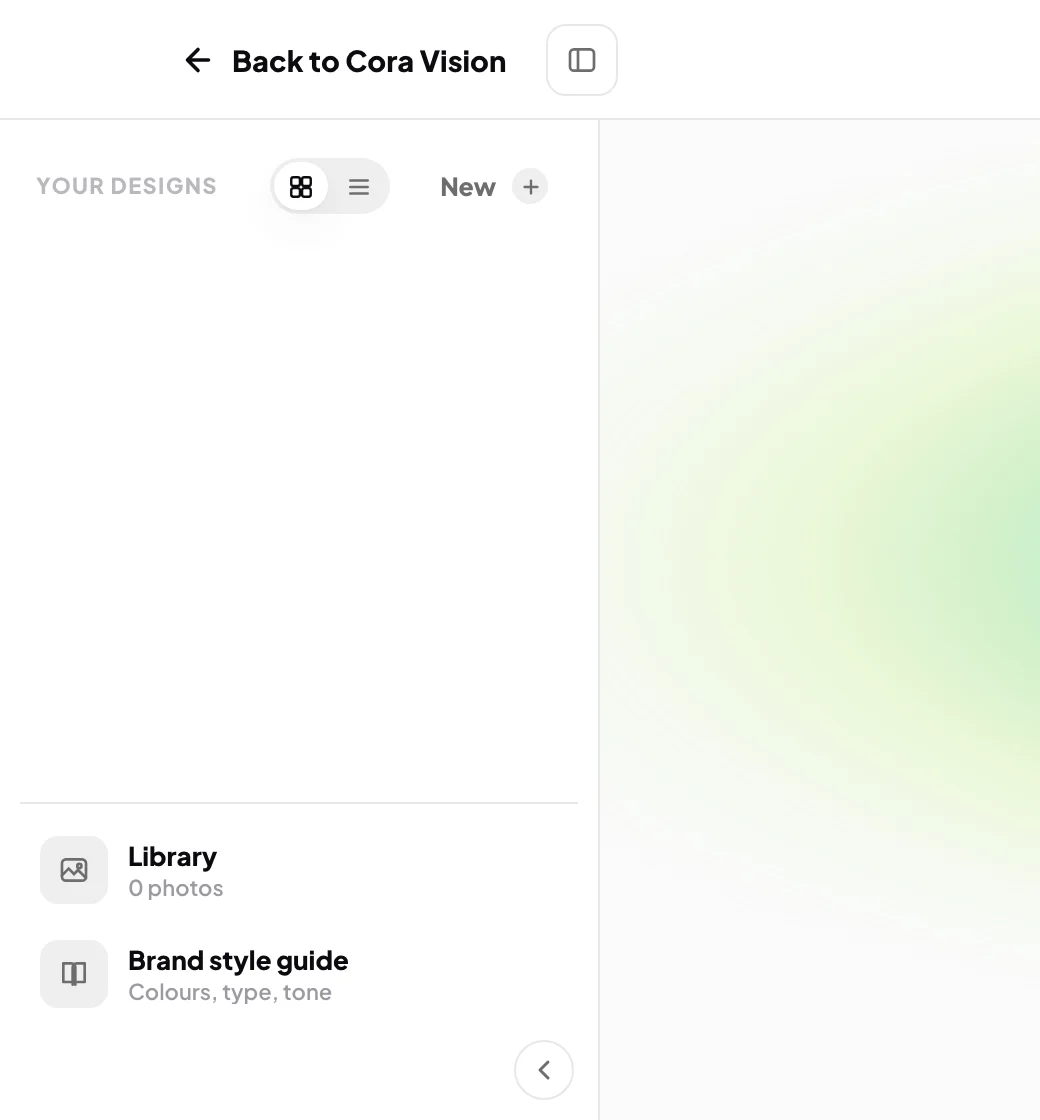
4 Your photos and your brand, one click away. -
To start something new from anywhere in the studio, click New at the top of the panel.
-
To leave, click Back to CoraVision at the top left. If you have changes you have not saved, CoraVision asks first.
What happens next
Make your first design: see Make a newsletter or Make a homepage. Dune also opens the studio for you when an action plan step is a session with Dune, with Cora's brief ready.
TipTalk to Dune the way you would talk to a designer. You can cut in while Dune is talking, and Dune stops to listen.
Common questions
Why does a pop-up appear when I click in the studio?
The studio is locked. Before session two the pop-up says The Design Studio unlocks after your session two call and gives your next step. After session two, if you have not chosen a plan, it says The Design Studio is ready for you; click See the packages to choose one.
Do I have to talk, or can I type?
Talking is the main way in, and you can click Dune's choices instead of saying them. To change a design you can also type: click Or type what you want changed… under the microphone.
Who is Dune?
Dune is CoraVision's creative director, one of Cora's colleagues. You first meet Dune in your onboarding call, when Dune presents your brand style guide. See Who is who.
Does Dune publish anything for me?
No. Nothing leaves the studio until you export it yourself.