
Your next step
The Your next step card on your dashboard names one step from your action plans, and one click takes you to it. Cora picks the first open step in the plan you have made the least progress on, so no plan falls behind.
- The card appears after your strategy session (session two), when your action plans land in Projects.
- Before that, the dashboard's main card is your next step: joining your onboarding call, booking session two, or starting it.
Open your next step
-
In the sidebar, click Dashboard, then Scores and data. Your next step is the third card on the bottom row, after Google Ads and Meta.
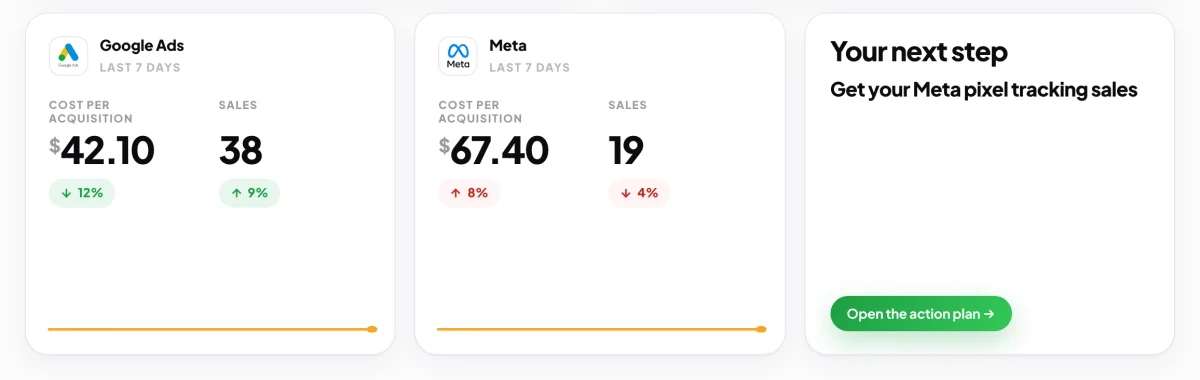
1 One step, and the button that opens its plan. -
Read the step's title, then click Open the action plan. The project opens on its Action plan tab, with that step in green.
-
On the green step, click Start session. See Mark a step done for the rest.
If the card says Nothing to do just yet
-
Work out why. Before your strategy session, it is because your action plans have not arrived yet. After it, it means every step you have is done or waiting for a date.
-
Click See your projects to check your plans, or start a call to build a new action plan: click New, then Create new call.
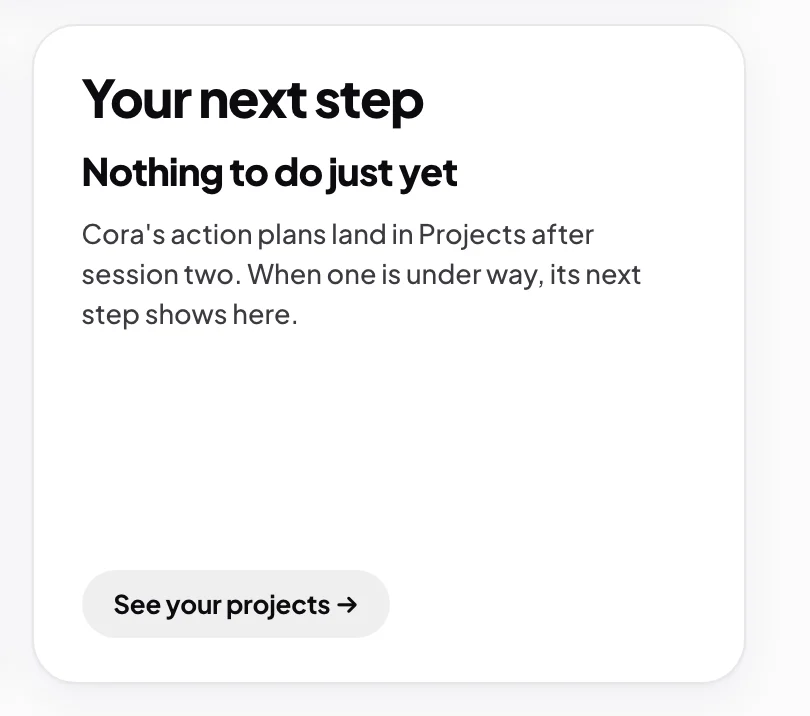
5 With nothing open, the card takes you to Projects.
What happens next
When a step is done, the card moves on by itself to the next one, which may be in a different plan. A step with a clock beside it is waiting for real time to pass and is never offered here until its date.
Common questions
How does Cora choose the step?
Cora looks at every active project with an action plan, takes the one with the smallest share of steps done, and offers its first step that is not done or waiting. If two plans are level, the one you touched longest ago comes first.
Can I do a different step?
Yes. Open any plan from Projects and start any step. If it is out of order, Cora asks once, and you can click Start anyway.
The card says it could not read my projects. What now?
That is a connection problem, and nothing has changed. Click See your projects, or come back to the dashboard in a minute.