
CoraVersity: lessons for every platform
CoraVersity is CoraVision's library of short lessons for the platforms you use, from Google Ads to Mailchimp, and every platform has its own expert who teaches you in the pill, on your own screen. Tell the expert what you want to learn and they find the right lessons, or open the full course list and choose one yourself.
- CoraVision can see your screen and hear your microphone. On a Mac, see Allow CoraVision to see your screen on a Mac.
- Have the platform open, or ready to sign in to, so the expert can show you on it.
Choose a platform
-
In the sidebar, click CoraVersity. The page lists the platforms by category, each with its expert, its number of lessons and your progress.
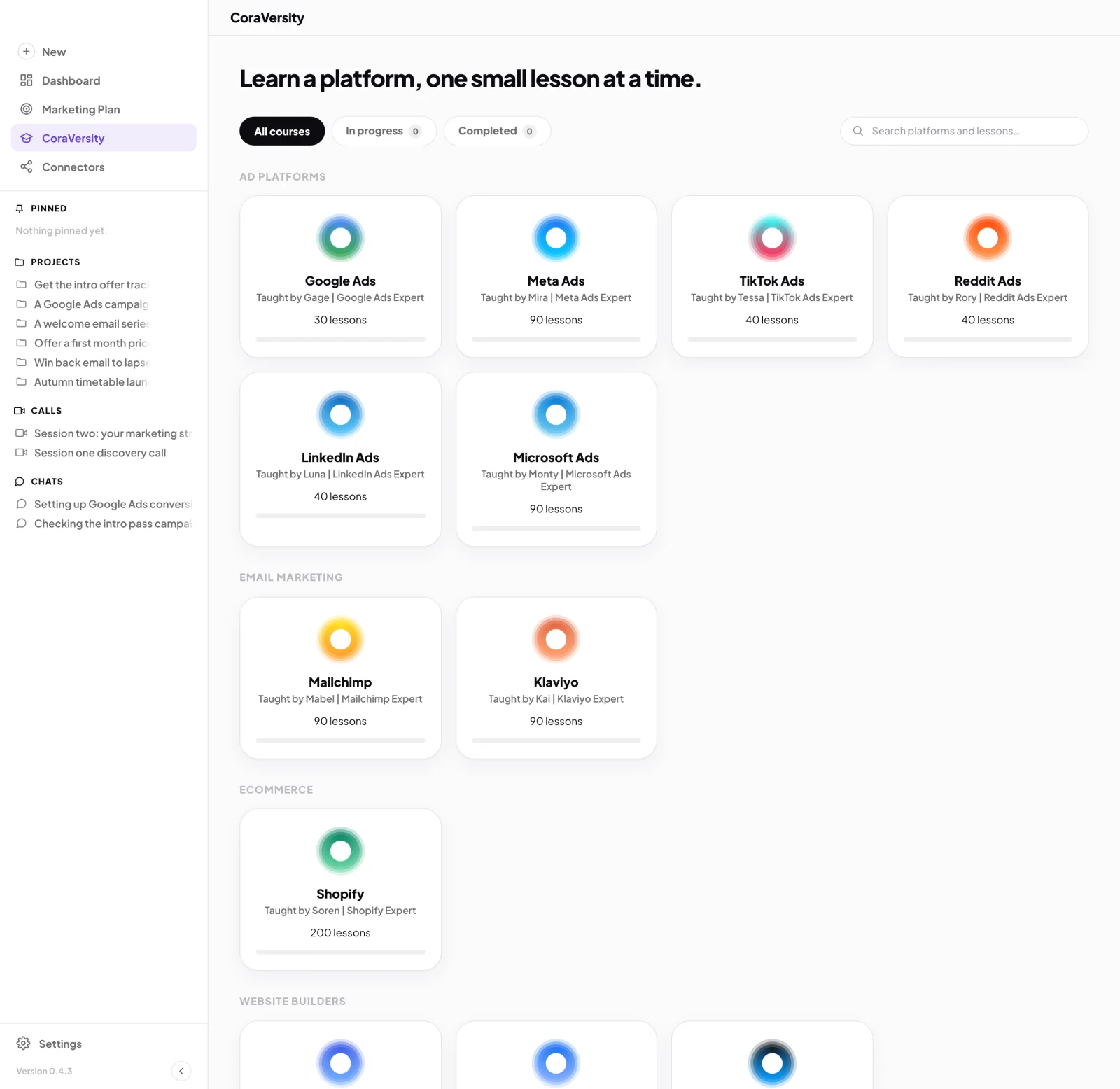
1 CoraVersity in the sidebar. 2 Click a platform. -
Click the platform you want, or type in Search platforms and lessons… to find it. A card marked Coming soon cannot be opened yet.
Ask the expert
-
On the platform's page, click the button under the question, for example Tell Mabel what you want to learn on Mailchimp.
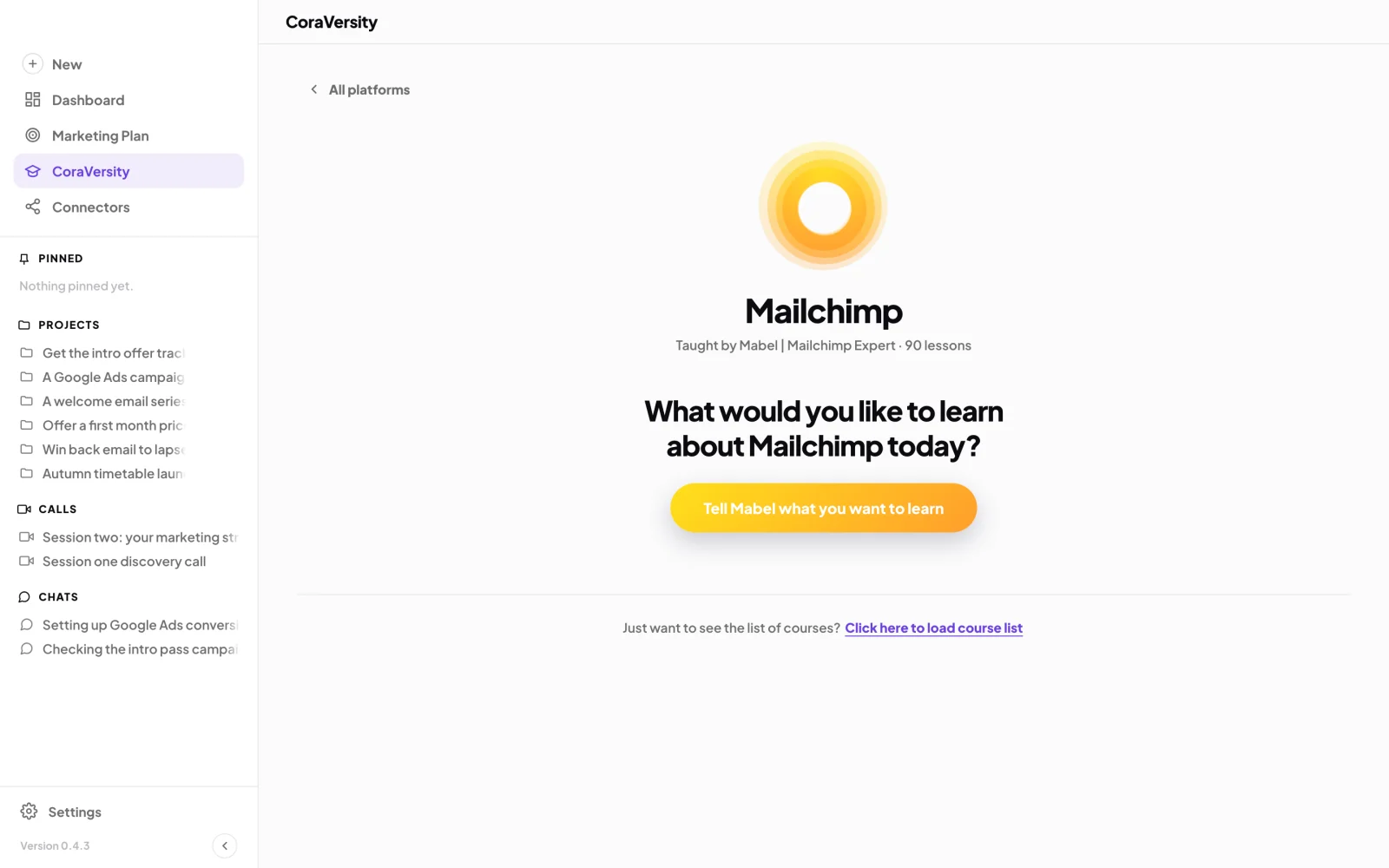
3 One button, and the expert listens. -
The pill opens in the expert's voice, listening. Say what you want to do, in your own words. The lessons they pick appear on the page.
-
On the lesson you want, click Start course. The expert walks you through it on your screen.
Or choose from the list
-
At the bottom of the platform's page, click Click here to load course list.
-
On a lesson, click Learn more, read What you’ll do, then click Start lesson. Cora opens in pill mode and walks you through it.
What happens next
Lessons you start collect under the In progress tab on the CoraVersity page, and finished ones under Completed. You do not mark a lesson complete: the expert checks each step with you as you go.
Common questions
Can I do a lesson again?
Yes. Open it with Learn more: a lesson under way offers Start again from the beginning, and a finished one Do it again and Restart progress.
What happens if I leave the page while the expert is talking?
Going to another page, or clicking All platforms, ends the conversation with that expert. Click the button again to start a new one.
Do lessons use my allowance?
Yes. A lesson is a session in the pill, and like any chat it counts towards your weekly allowance. See Your weekly allowance and the usage percentage.