
The six-digit code didn't arrive
If CoraVision says it sent you a six-digit code and nothing has arrived, the email is usually in a spam or junk folder, or the address has a typing mistake. The steps below take a few minutes, and nothing on your account changes while you wait.
- Keep CoraVision open on the Enter your code screen while you look.
- Have your email open on this computer or your phone.
Try this first
-
Look in your spam, junk and promotions folders, and search your mail for Cora. The code is in the email's subject line as well as in the email.
-
Under Enter your code, read the address after Sent to. Part of it is hidden with dots, but you can see whether it starts and ends the way your email does. If it is wrong, click the back arrow, correct the email and try again.
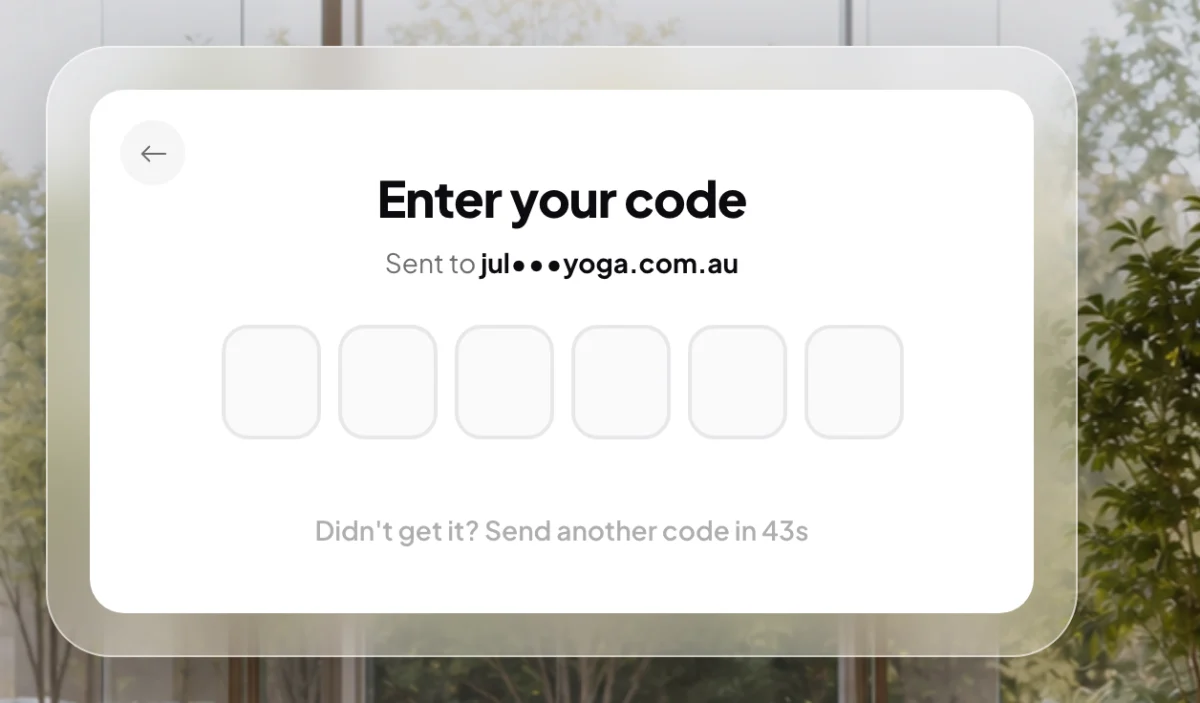
2 Where the code went. 3 When you can ask again.
If that did not work: send another code
-
Wait for the countdown under the boxes to reach zero. It starts at 60 seconds, because the server will not send a second code sooner.
-
Click Didn't get it? Send another code.
-
Type the code from the newest email. If an older email arrives late, ignore it.
If the boxes turn red
-
Red boxes mean the code did not match. On the log in screen the message under them reads Token has expired or is invalid: the code was mistyped, or it is too old. The boxes clear themselves after a moment. Type the code again, or send a new one.
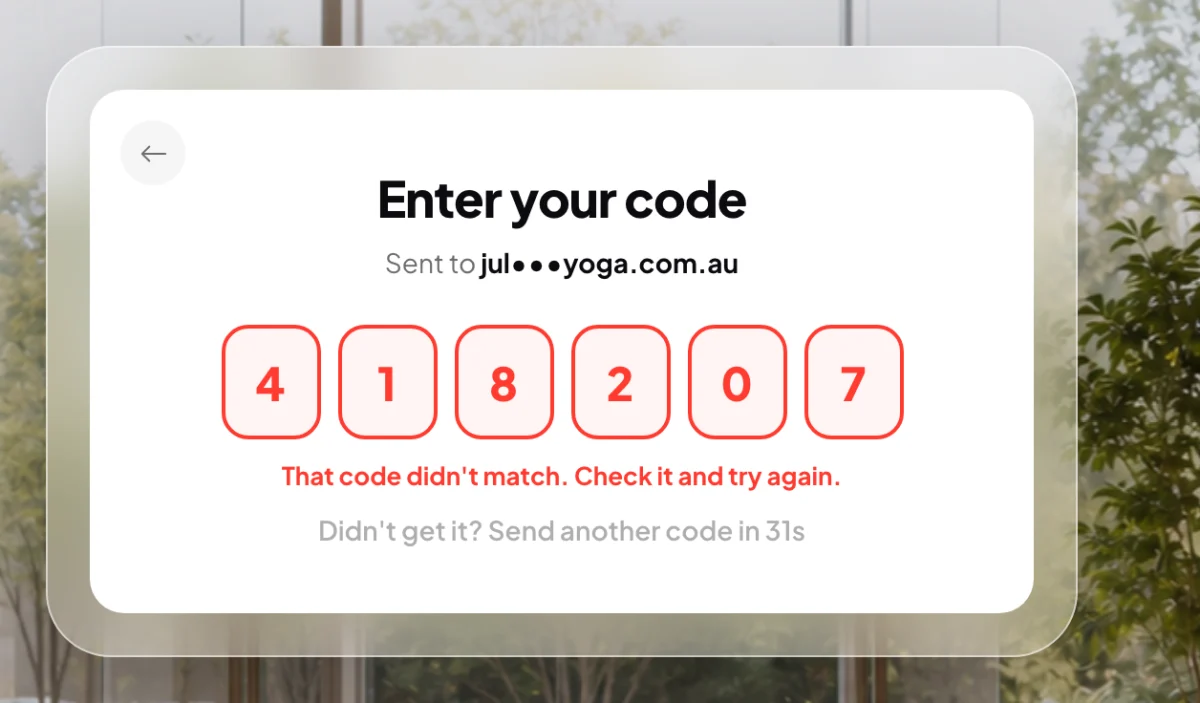
6 Red means the code did not match. Try again.
Still nothing
-
If you use a work email, ask whoever runs it to check whether a filter is holding mail back. Codes from new senders are sometimes quarantined before they reach your inbox.
-
If no code arrives after two tries, send us a message from the contact page. Tell us the email address you are using, whether you were logging in, resetting your password or signing up, and when you tried, with your city.
What happens next
As soon as the sixth digit is in, CoraVision checks the code and shows Code confirmed, then carries on where you were: your dashboard, the new password screen, or the next step of signing up.
Common questions
Can I get the code by text message instead?
Not when you log in or reset your password: those codes always go to your email. When you change your email, mobile or password in Settings, you can choose Text me if your account has a verified mobile.
It says I need to wait 60 seconds
The server sends at most one code a minute to the same address. Wait for the countdown to finish, then ask again. In Settings the message reads Please wait 60 seconds before asking for another code.
I have two code emails. Which one do I use?
The newest. Asking again sends a fresh code, so use the one in the most recent email.