
Two-step sign-in: your password and the email code
Signing in to CoraVision always takes two things: your password, and a six-digit code we email to the address on your account. A password alone never gets anyone in, so someone who learns it still needs your inbox; once you are in, that computer stays signed in until you sign out.
What happens when you sign in
-
On the log in screen, type your Email and Password and click Log in. A correct password does not sign you in yet: it only asks for your code.
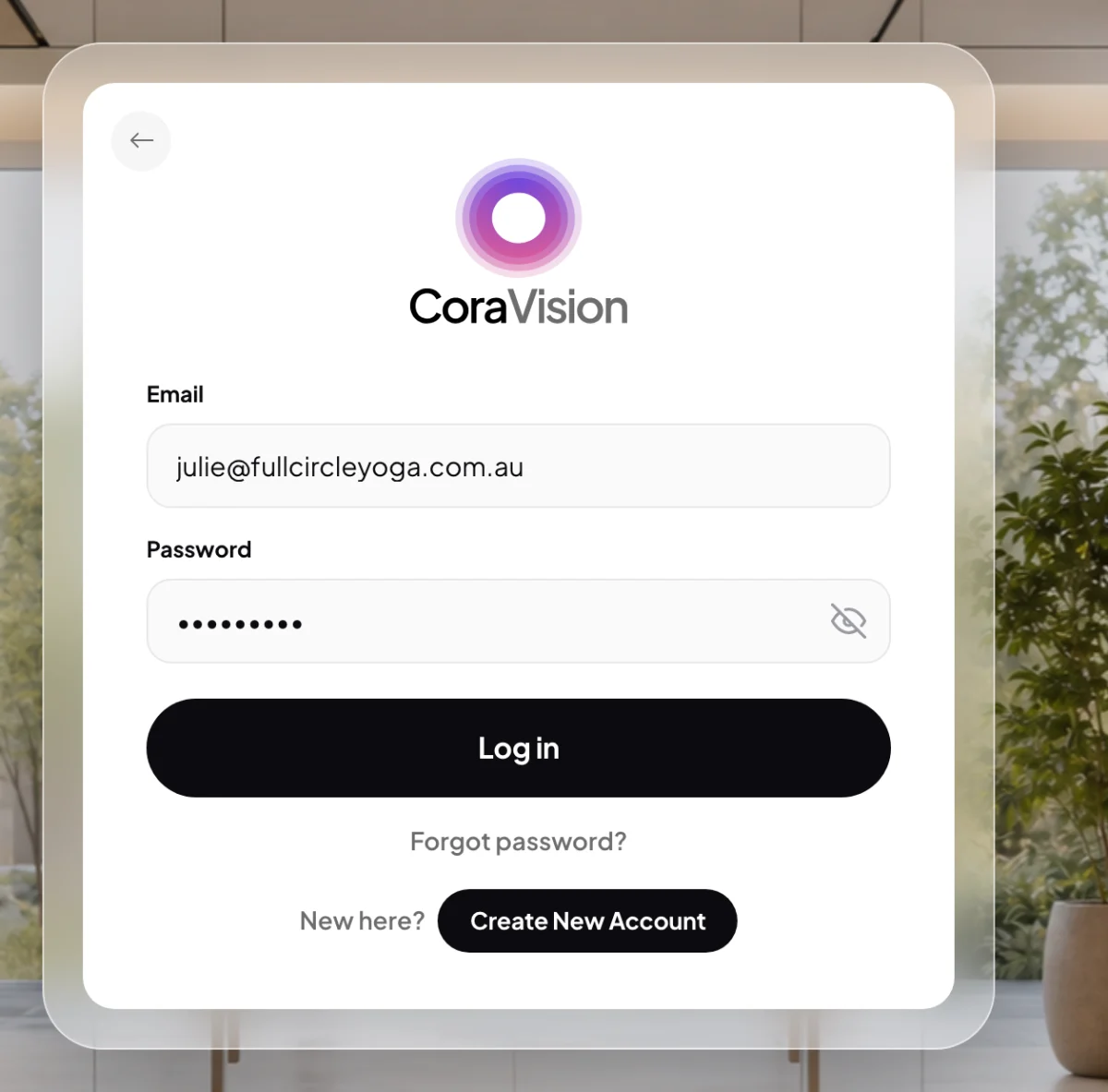
1 The first step is your password. -
CoraVision emails a six-digit code to the address on your account. Type it on Enter your code. Only this code signs you in.
-
Once the code is confirmed, CoraVision keeps you signed in on this computer. It stores your sign-in on the computer, encrypted with the computer's own keychain where one is available, and opens straight to your dashboard next time.
Keep your account safe
-
Changing your email, mobile or password also starts with a code. In My details, each sign-in detail's Change button opens a popup that first asks Where should we send a 6-digit code?.
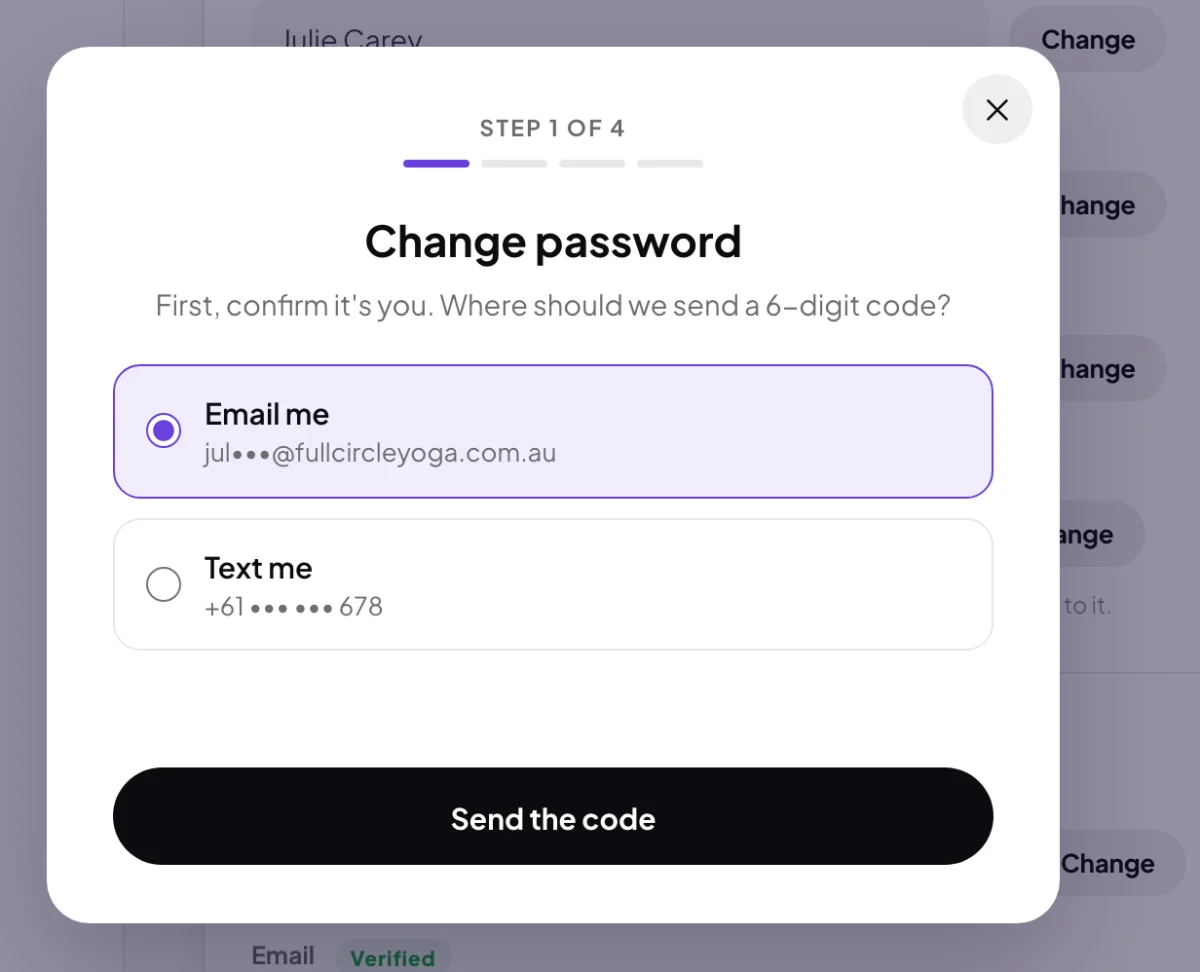
4 Every sign-in detail change starts by proving it is you. -
On a computer other people use, sign out when you finish. In the Settings menu, click Sign out, then Yes, sign out.
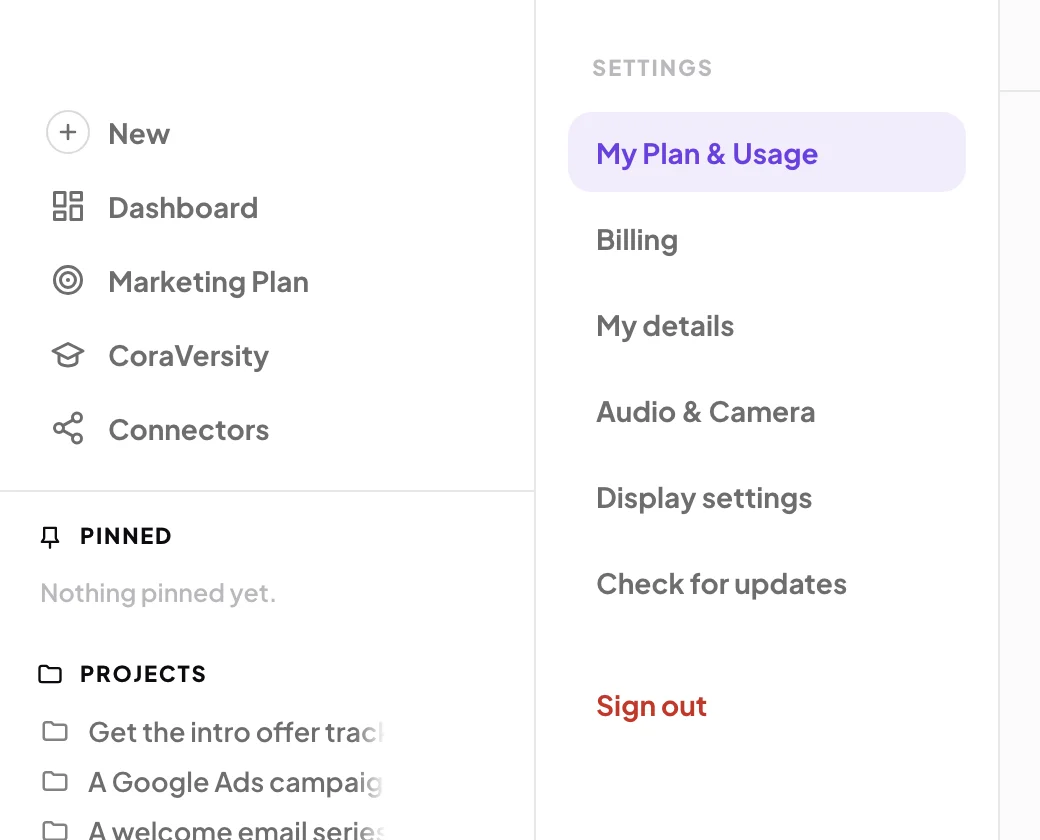
5 Sign out sits at the foot of the Settings menu. -
If you think someone knows your password, change it from My details: see Reset your password. Then secure your email account too, because your codes go there.
What happens next
You see the code step every time you sign in: on a new computer, after you sign out, or after a password reset. You do not see it when you open CoraVision on a computer that is still signed in. If a code is slow to arrive, see The six-digit code didn't arrive.
Common questions
Can I use an authenticator app instead?
Not yet. Sign-in codes come by email only.
Can the sign-in code come by text message?
No. The sign-in code always goes to your email. A verified mobile can receive the code that confirms a change to your email, mobile or password in Settings.
Does CoraVision see my Google or Facebook password?
No. When you connect an account, you sign in on Google's or Facebook's own page, and CoraVision never sees that password.