
Deactivate your account
There is no deactivate button in the app yet, so you ask us from the contact page and we deactivate the account for you. A deactivated account is signed out and nobody can sign in to it or use it again; we keep its transaction and account records for seven years, because we are required to.
- Deactivating closes the whole account. If you only want to stop paying, cancel your plan instead and keep the account.
- If you want something gone for good, delete it before you ask. After deactivation you cannot sign in to delete anything yourself.
Before you ask
-
Cancel your plan so it does not renew: in Settings, open My Plan & Usage, click View plans, then Cancel my plan. The steps are in Cancel your plan.
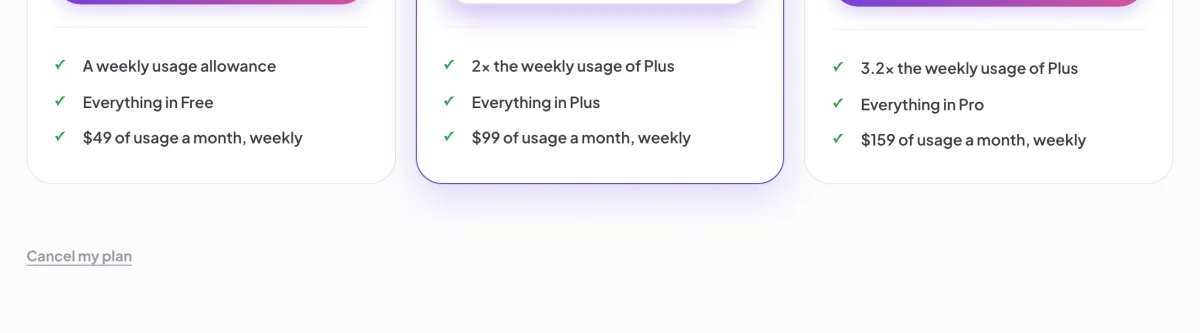
1 Cancel my plan sits at the foot of the plans page. -
Delete any chats, calls or projects you want removed for good. See Delete archived projects, chats and calls.
-
Disconnect Google and Meta: in Connectors, click Manage on each card and disconnect it. CoraVision then removes the access it holds to those accounts.
Ask us to deactivate it
-
Open the contact page and sign in with the email and password of your CoraVision account, then the six-digit code we email you. The form shows the name and email from your account, so we know the request is yours.
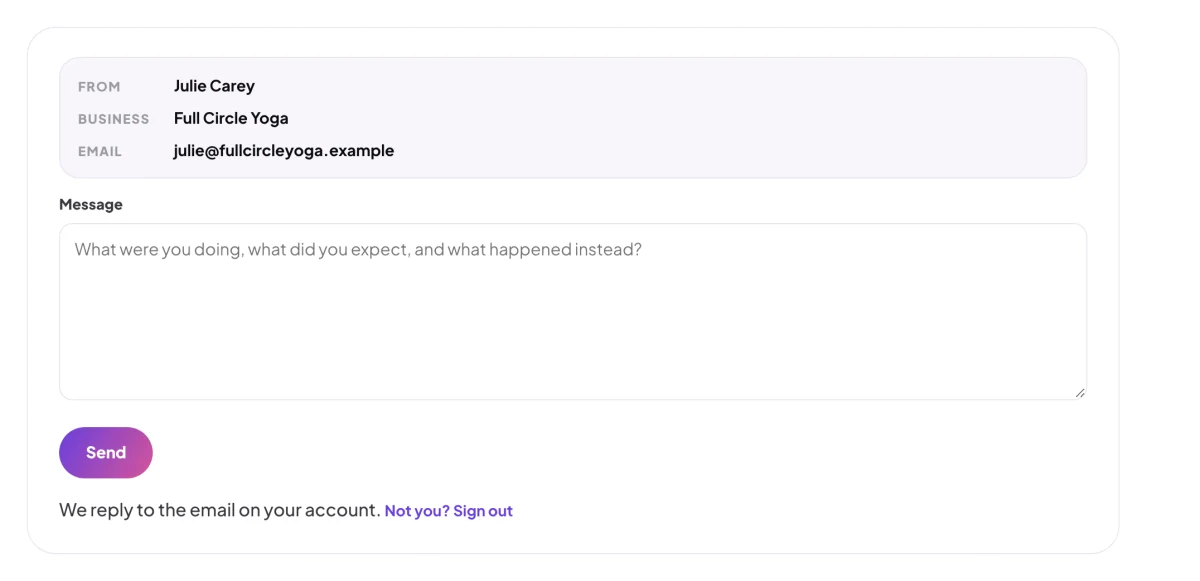
4 Your account's details come with the message. -
In Message, write that you want your account deactivated, and send it. A person reads every message and replies within one business day.
What happens next
Once your account is deactivated, CoraVision signs you out and you cannot sign in again, and auto top-up no longer charges your saved card. Your transaction and account records stay on file for seven years, but nobody can access or use them.
Common questions
Can my account be erased completely?
You can ask. We are required to keep transaction and account records for seven years, so those stay, but the account itself can never be used again. Delete your chats, calls and projects first if you want them gone.
Can I come back later?
Yes, but a deactivated account cannot sign in to the contact page. Reply to any email we have sent you from the address on the account, and we can reactivate it.
I only want a break. What should I do?
Cancel your plan and keep your account. Your plan runs to the end of the period you paid for, and your plan, projects and history stay for when you come back.