
Let Cora guide you click by click
In the pill, Cora can walk you through a task in the tools you already use, one step at a time: Cora looks at your screen, tells you the next step, and circles where to click. You make every click yourself, and Cora watches for the change before Cora gives you the next step.
- You have started a chat and the pill is green. See Start a chat in pill mode.
- The tool you want help with is open on your main display.
Tell Cora what you want to do
-
Say what you are trying to do, in your own words, such as "I want to add a new keyword to my Google Ads campaign". Cora looks at your screen when you finish speaking.
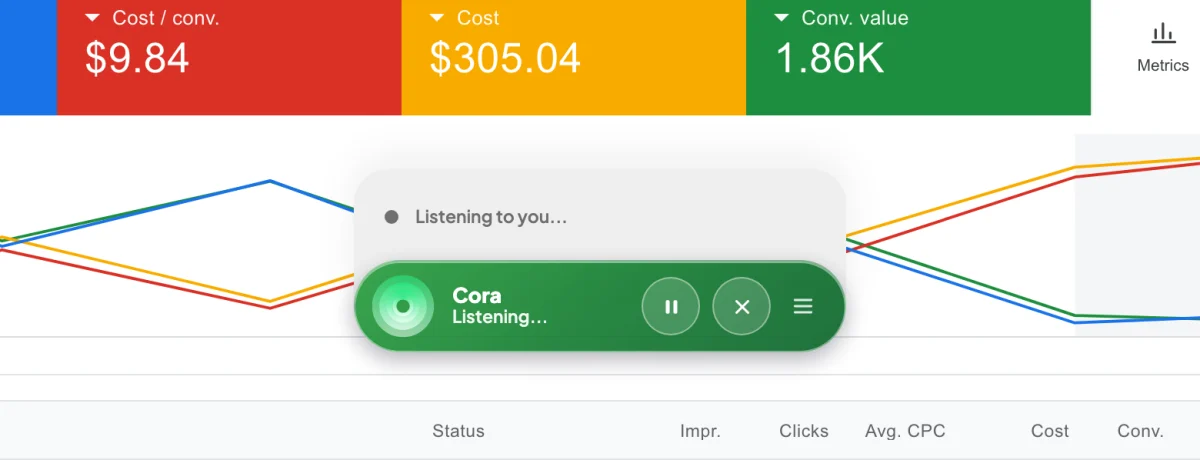
1 The grey panel shows what Cora is doing. -
On a Mac, the first time Cora points at something Cora says the pill is popping out of the way, and the pill folds into a small round bubble at the edge of your screen. Click the bubble to bring the pill back at any time.
Follow each step
-
Listen to the step. While Cora is on, a small glowing orb follows your mouse pointer. When Cora names the thing to click, the orb loops around it.
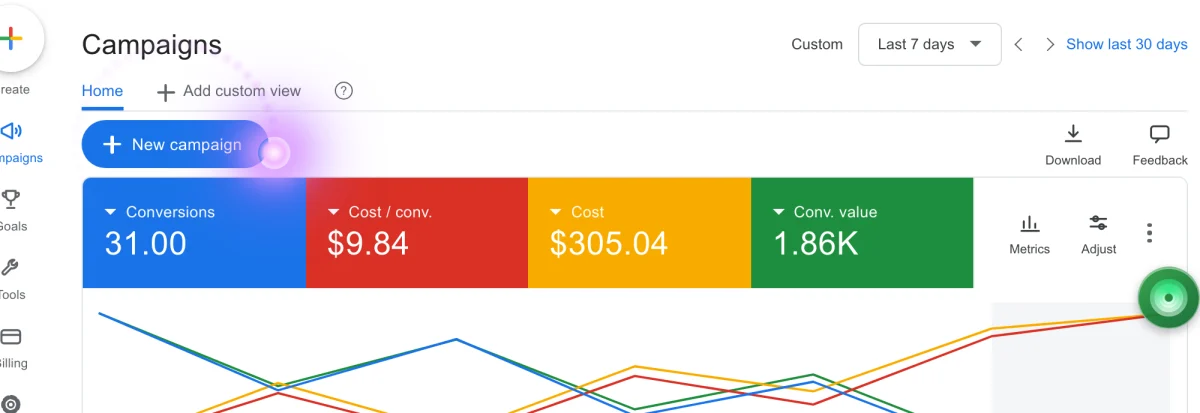
3 The orb shows the area to click. -
Do the step yourself: click, type or choose. Cora notices when your screen changes and gives you the next step.
-
If Cora gives you text to paste, such as an ad headline, it appears in a yellow card under the pill. Click Copy, then paste it where Cora says. The card closes a few seconds after you copy.
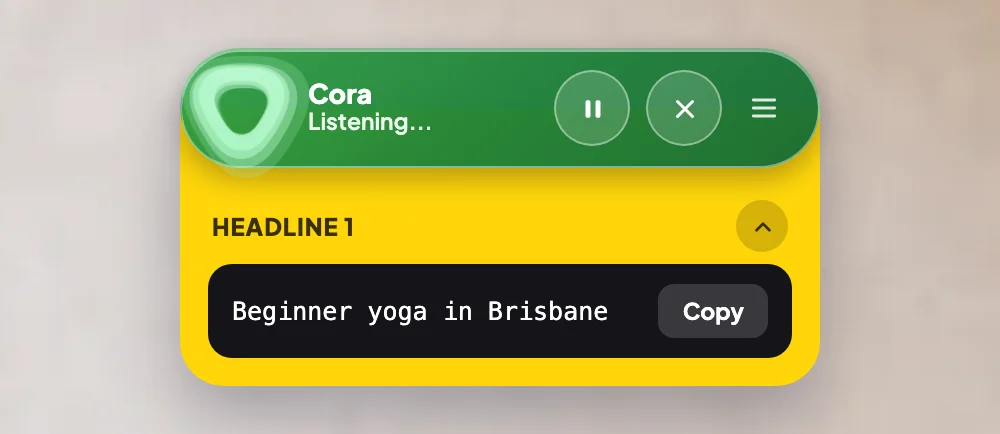
5 Copy puts the text on your clipboard. -
Ask whenever you need to: "where is that?", "say that again", or "I can't find it". Cora looks again and answers for what is on your screen now.
What happens next
Cora carries on step by step until the task is done. When you have finished, click End conversation; the conversation is saved under Chats. You can also start guided help from a step in one of your action plans: in Projects, open the step and click Start session.
Common questions
The orb circled the wrong place. What do I do?
The orb shows the area, not an exact spot. Tell Cora it is not there, or what you can see instead, and Cora looks again.
Can Cora click for me?
No. Cora shows you where and why, and every click is yours, so nothing changes in your accounts unless you change it.
Can Cora guide me on my second screen?
No. Cora sees your main display only, so keep the tool you want help with there. See What Cora can see while the pill is open.
Can I stop half way and come back?
Yes. Click Pause Cora for a short break, or end the conversation and continue the chat later from Chats.