
Close pill mode and return to the dashboard
To go back to your dashboard from the pill, open the pill's menu and click Close Pill Mode or Back to Dashboard, which do the same thing. Both end the conversation first, so nothing keeps running behind the dashboard, and you land on that chat's transcript.
Close pill mode
-
On the right of the pill, click the menu button.
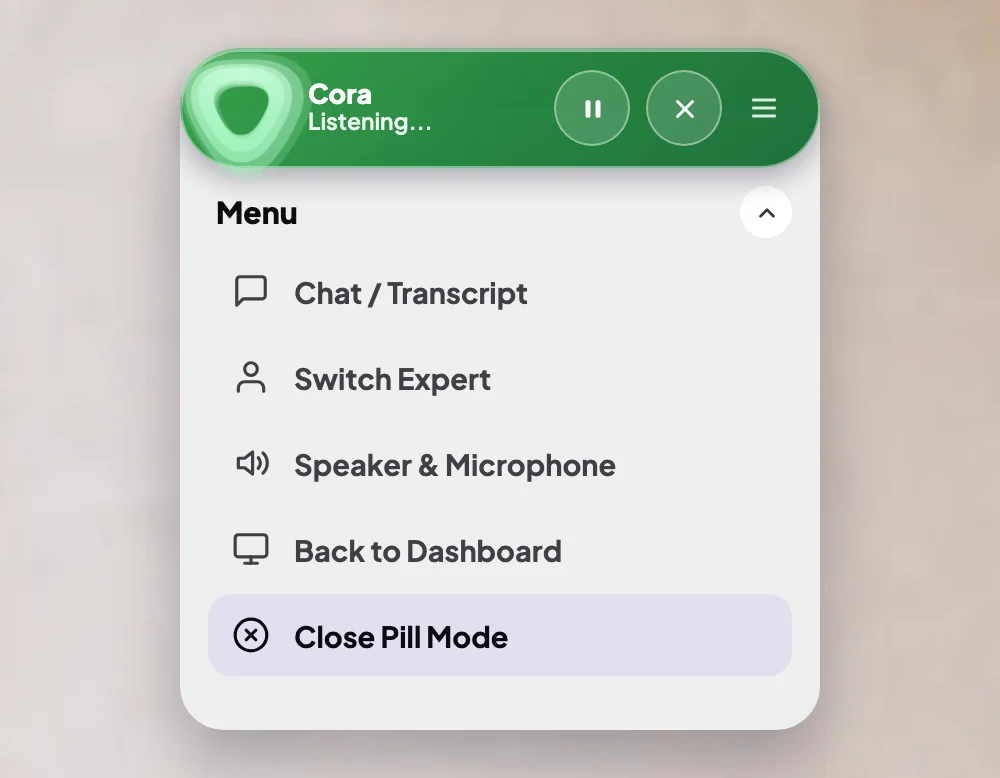
2 Close Pill Mode is the last item. -
Click Close Pill Mode, or Back to Dashboard above it. If Cora was on, the conversation ends.
-
The pill fades out and your dashboard opens. If you had a conversation, it opens on that chat, with its transcript.
Or keep the pill but move it out of the way
-
To move the pill, drag it anywhere on your screen.
-
To tuck it away, move your pointer to the edge of the pill until small arrows appear, and click the arrow pointing where you want it. The pill glides there and folds into a small round bubble. Cora stays on or off as Cora was.
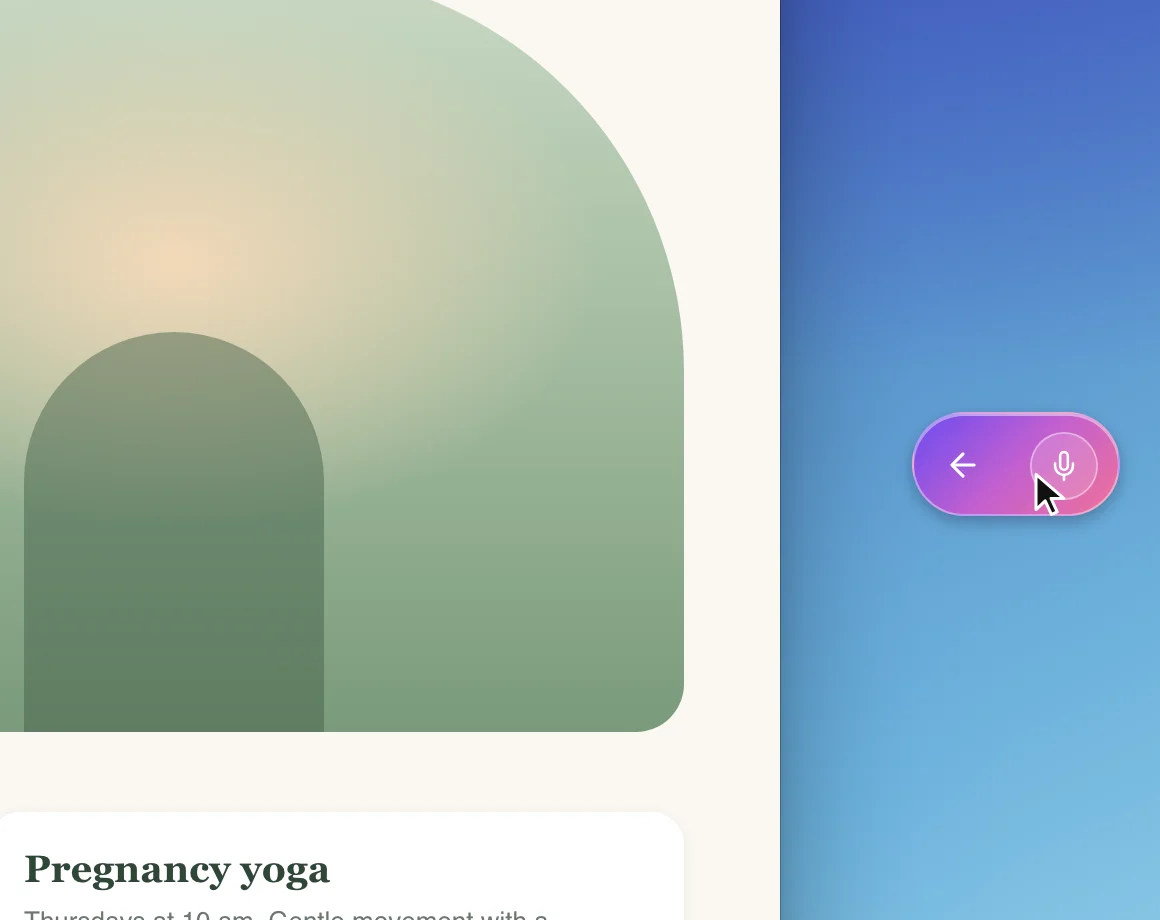
5 Click the bubble to open the pill again. -
To bring the pill back, click the bubble.
What happens next
On the dashboard, the chat is listed under Chats in the sidebar. To carry on with it later, open it and click Continue chat. To start something new, click New.
Common questions
What is the difference between Back to Dashboard and Close Pill Mode?
None. They do the same thing; both are there because people look for different words.
Do I lose the conversation?
No. The conversation ends, and what you and Cora said is kept as the chat's transcript under Chats.
I can't see the pill at all. Where is it?
It may be tucked into its bubble at the edge of your screen, or behind another window. See The pill is hidden behind another window.