
The pill is hidden behind another window
The pill is meant to float above every window, so if you cannot see it, it has usually been tucked into a small bubble at the edge of the screen, it is on another display, or a Mac app in full screen is covering it. Getting it back takes a few seconds, and your chat carries on where it was.
Try this first: look for the bubble
-
Look along the edges of your screen for a small round bubble. That is the pill, tucked away. Point at it and click it: the pill opens again in the same spot.
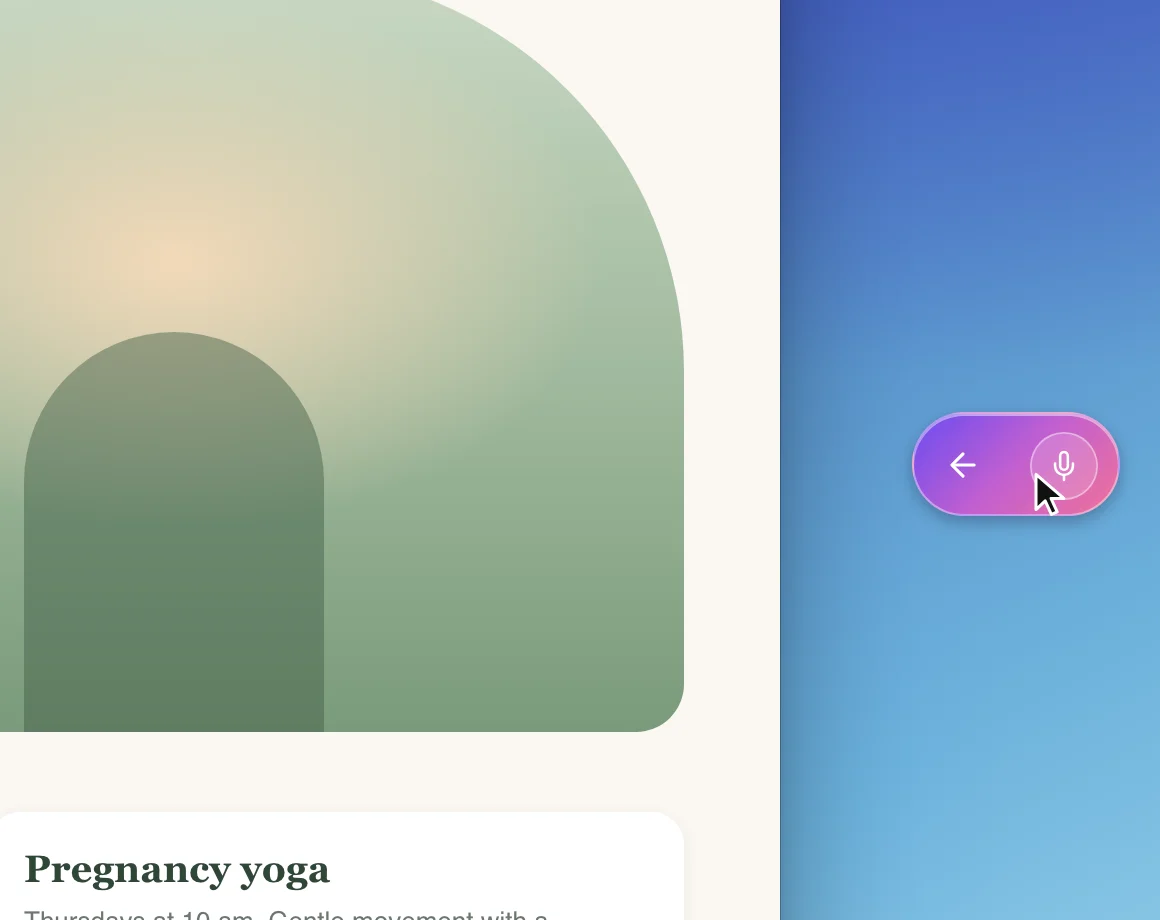
1 The bubble is the pill, folded away. Click it. How it got thereWhen your pointer is on the pill's edge, small arrows appear around it. Clicking one moves the pill to that side of the screen and tucks it into the bubble. It is easy to do by accident while you drag the pill.
-
If you use more than one display, look on the others. Drag the pill back to your main display: see Using CoraVision with more than one display.
On a Mac: leave full screen
-
If the app you are working in fills the whole screen with no menu bar, it is in full screen, and the pill cannot float over it. Move your pointer to the top of the screen and click the green button at the top left of the window to leave full screen. The pill shows again.
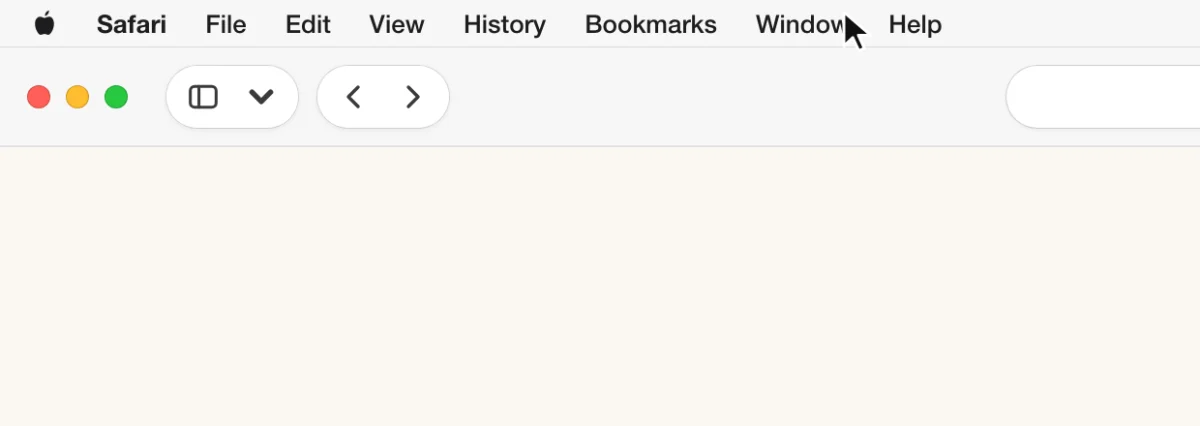
3 The green button takes the window out of full screen. TipTo give a window the whole screen and keep the pill, hold Option and click the green button. The window fills the screen without going into full screen.
Bring CoraVision to the front
-
On Windows, if another window comes up over the pill, CoraVision puts the pill back on top within about two seconds. Give it a moment.
-
Click CoraVision in the Dock on a Mac, or in the taskbar on Windows.
-
If your dashboard opens instead of the pill, pill mode is closed and there is no chat running. Start one from the dashboard: see Start a chat in pill mode.
Still hidden
-
Quit CoraVision (on a Mac, press Command and Q; on Windows, close CoraVision from the taskbar) and open it again.
-
If the pill still does not appear, send us a message from the contact page. Tell us your computer (Mac or Windows), how many displays you use, and the version at the bottom of your dashboard's sidebar.
What happens next
The pill floats above your other windows again, wherever you leave it. Drag it anywhere on the screen to keep it out of your way, or tuck it into the bubble with one of the arrows on its edge.
Common questions
Why does the pill stay on top of everything?
So Cora is always one click away while you work in other apps. Drag it to a corner, or tuck it into the bubble, when you want more room.
Will the pill ever show over a full screen app on a Mac?
Not at the moment. Use a window that fills the screen without going into full screen, as in the tip under step 3.
Did hiding the pill end my chat?
No. Tucking the pill into the bubble or moving it leaves the chat as it was. Only End conversation, Back to Dashboard or Close Pill Mode end it.