
Remove CoraVision's access to Google and Meta
To take back the access you gave CoraVision, disconnect each platform in CoraVision first, then check at Google and at Facebook that the permission has gone. It takes about five minutes, and the reports Cora already made stay in your account.
- CoraVision open and signed in.
- The Google login and the Facebook login you used to connect, for the checks at Google and at Facebook.
Disconnect in CoraVision first
-
In the sidebar, click Connectors, then Manage on the Google Ads card (or the Meta card).
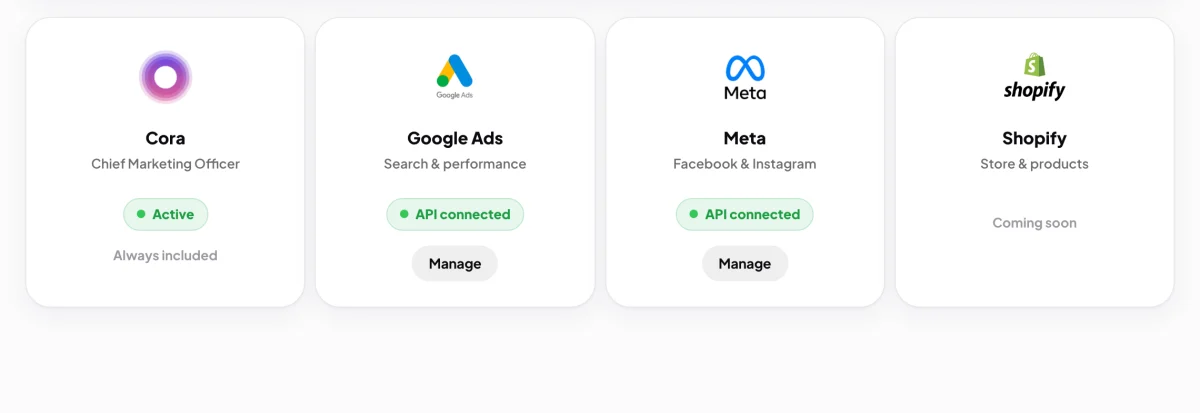
1 Manage opens the connection and its Disconnect button. -
Click Disconnect Google (or Disconnect Meta), type disconnect in the box, and click the red button. The full steps are in Disconnect a platform from CoraVision.
What this removesCoraVision deletes the access it stored for that platform, forgets which accounts it was reading, and asks Google or Meta to withdraw its permission. It skips that last request if another CoraVision account uses the same login, so their connection keeps working. Reports and numbers already read stay in your account.
Check at Google
-
In your browser, go to myaccount.google.com and sign in with the Google login you connected.
-
Open Third-party apps & services, find CoraVision in the list, and click it.
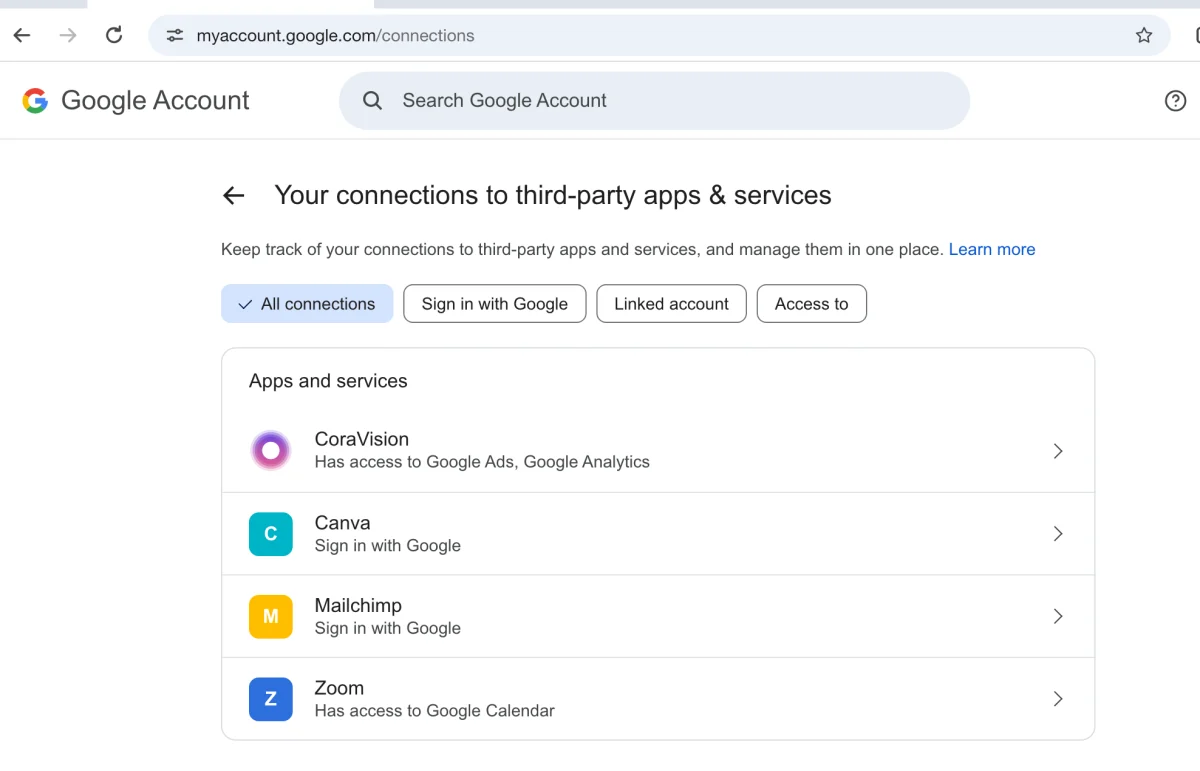
4 CoraVision is listed while it still has access. -
Choose to remove its access, and confirm. If CoraVision is not in the list, its access is already gone.
Check at Facebook
-
In Facebook, open your settings, then Business integrations.
-
Find CoraVision in the list, remove it, and confirm. If it is not listed, its access is already gone.
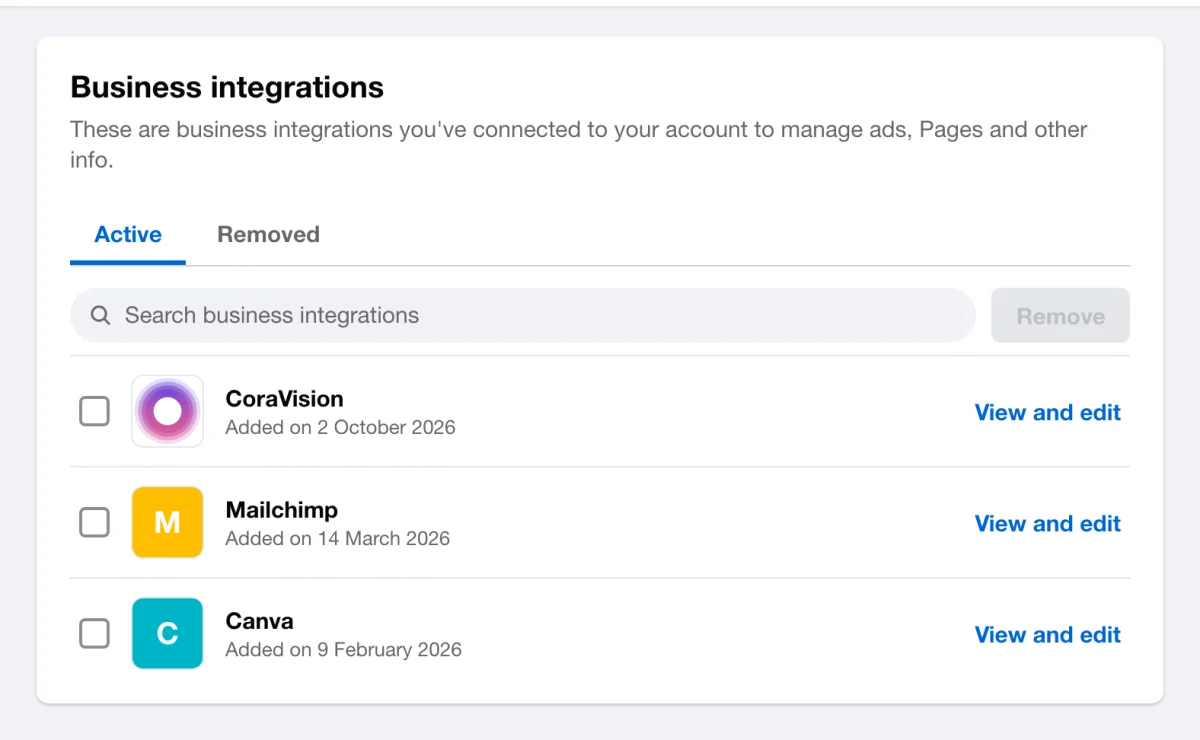
7 Removing it ends CoraVision's access to your ad accounts.
What happens next
CoraVision can no longer read that Google or Meta login. The Connectors card shows Not connected, and Cora works from what Cora read before. To let Cora read again, click Connect on the card.
Shared loginsRemoving the access at Google or Facebook withdraws it for that login everywhere. If an agency or a second business uses the same login in another CoraVision account, their connection stops too.
Common questions
Can I remove it at Google first?
You can, but disconnect in CoraVision as well. Until you do, the card can still read as connected while every read fails, and the stored access stays in CoraVision.
Do I need the checks at Google and Facebook?
Usually not, because disconnecting asks them to withdraw the permission. Do them if the disconnect window said it could not confirm the withdrawal, or if you want to be sure.
Does this delete my reports?
No. To delete data from your account, see Delete your data, or ask us to erase your account.