
What Cora sees, and when
Cora only looks at your screen during a session you start with Cora, and only at your main display. Cora takes still images so Cora's help matches what is in front of you, uses them to answer you in the moment, and does not save them to your account.
- Cora sees nothing until you give CoraVision permission to see your screen. On a Mac, see Allow CoraVision to see your screen on a Mac.
- Seeing your screen is separate from reading your ad accounts. Connected accounts give Cora your numbers, read only, whether or not a session is running.
In a chat with the pill
-
On the pill, click the microphone button on the left to start a chat. From now until you end it, Cora can look at your main display.
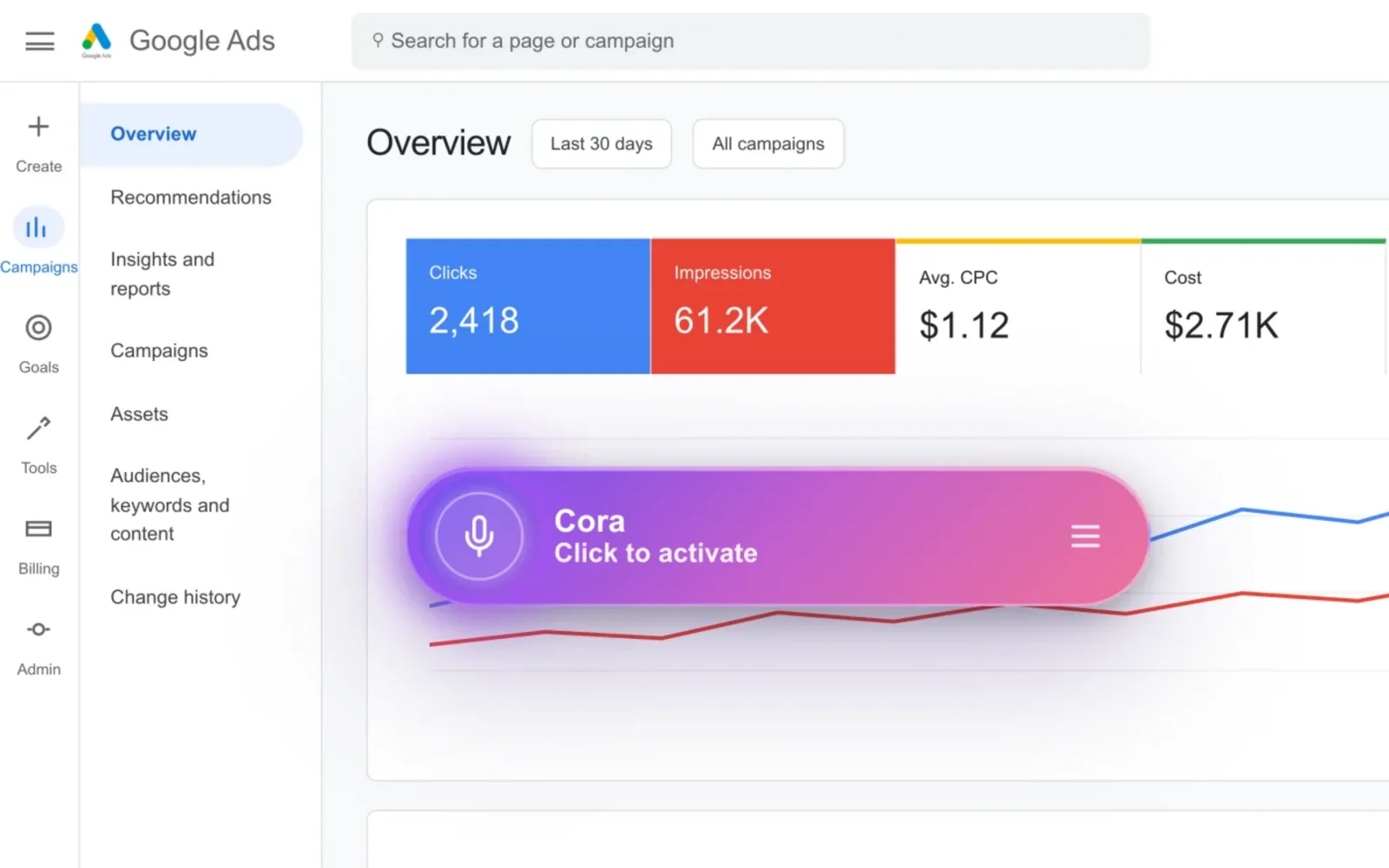
1 The microphone button starts and ends a chat. -
Talk to Cora. When you finish speaking, Cora takes one still image of your main display, so Cora's answer matches what is on your screen.
-
Ask Cora to guide you through a task. While Cora guides you, Cora takes a new still image as your screen changes, so Cora can see each click land.
TipCora only sees your main display. To keep something private during a chat, move it to another display, or end the chat first.
-
Click the microphone button again to end the chat. Cora stops looking straight away. On a Mac, the screen recording indicator in the menu bar goes away.
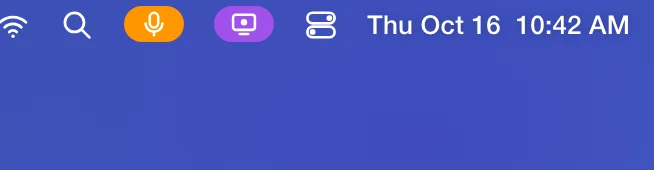
4 On a Mac this shows only while a session runs.
In a call
-
Join your onboarding call or strategy session. Cora presents in the call window and listens to you. Cora does not look at your screen during a call.
-
Turn your camera on or off with the camera button. If it is on when the call starts, Cora looks at one still image from it at the start of the call so Cora can greet you. That image is not saved.
-
When Cora asks you to connect Google or Meta during a call, Cora watches your screen while you sign in so Cora can talk you through it. Cora stops when you are back in the call.
What happens next
Outside a session, Cora sees nothing on your screen. What Cora keeps from your sessions is the words, not the pictures: see What is saved to your account, and what is not. To remove screen access completely, turn CoraVision off in your computer's screen recording settings; Cora will not be able to see your screen until you turn it back on.
Common questions
Does Cora keep a recording of my screen?
No. Cora takes still images during a session, uses them to answer you in the moment, and they are not saved to your CoraVision account.
Can Cora see my other displays?
No. Cora only sees your main display. On a Mac that is the display with the menu bar; on Windows it is the one set as your main display.
Can Cora see my screen when CoraVision is open but I am not talking to Cora?
No. Cora can only look during a session you start, a pill chat, or a connect you start from a call or the Connectors page. End the session and Cora stops.
Does Cora watch my ad accounts?
Cora reads the numbers from the accounts you connect, read only, and refreshes them every night. Cora never makes a change in them, and you can disconnect any account from Connectors.