
Safety and security: where your data goes and who sees it
Your screen, camera and voice only leave your computer while a session with Cora is running, and screen images and call audio are never kept. What is kept stays with your account, a small number of people on our team can read it to help you, and every one of those reads is recorded.
What leaves your computer, and when
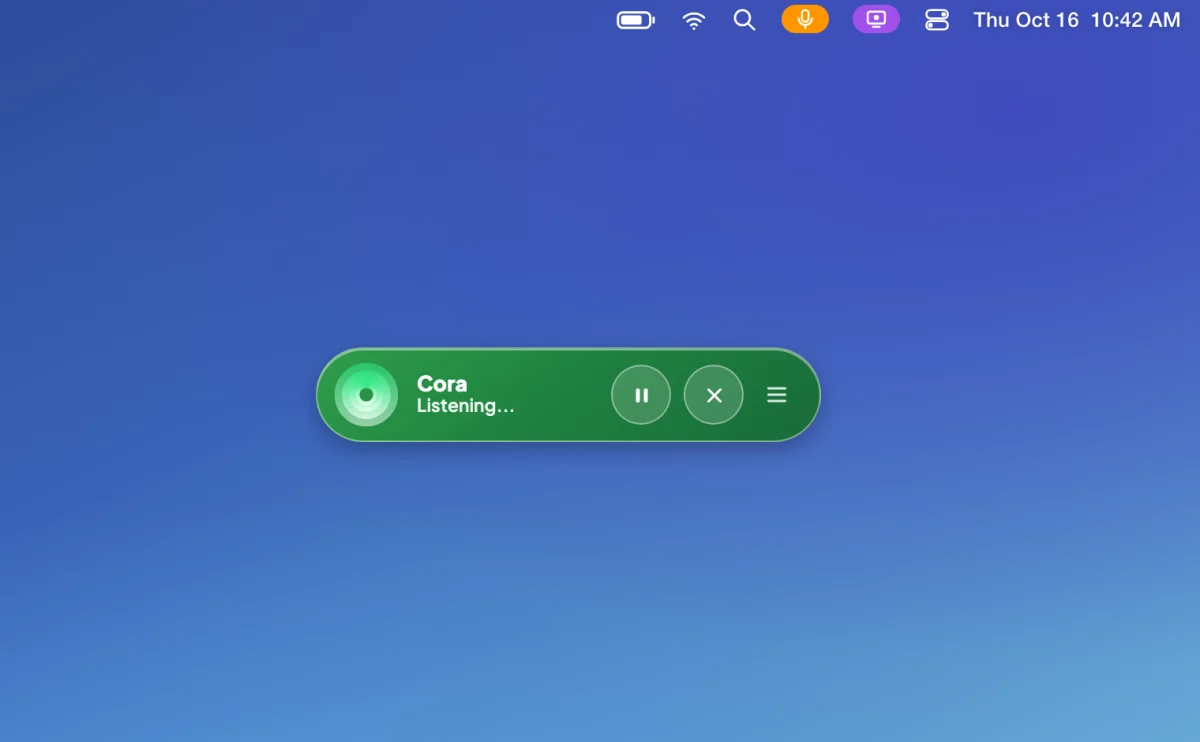
- In a chat with the pill: your voice, so Cora can hear and answer you, and still images of your main display when you finish speaking and when your screen changes. The check for a change runs on your computer; only the image Cora needs is sent. See What Cora can see while the pill is open.
- In a call: your voice while Cora listens, one still picture from your camera as your onboarding call starts if the camera is on, and images of your screen only while Cora talks you through signing in to Google or Meta. See What Cora can see and hear during a call.
- Your ad and analytics accounts: nothing from your computer. Our servers read your numbers from Google and Meta directly, read only, using the access you gave when you connected.
- Your card: typed into Stripe's own form and sent to Stripe, never to CoraVision.
Outside a session, CoraVision sends nothing from your screen, camera or microphone. The images, your voice and the camera picture go to our servers and to the AI services Cora runs on, so Cora can answer you in the moment.
What is kept
Kept with your account: the transcripts of your chats and calls, the audio of your chats with the pill, your onboarding answers, plan, brand style guide, projects and reports, what Cora remembers from your calls, and the connection to each platform you connect. Never kept: images of your screen, the audio of your calls, your video, the camera picture, and your card number. The full list, and how to delete things, is in What is saved to your account, and what is not.

Who at CoraVision can read it
A small number of people on our team, those with the owner or support role, can open your chat and call transcripts, play the audio of your chats, and see a masked list of what Cora remembers, to answer a support request or check Cora's work. They sign in to our staff tools with a second factor, and every read is recorded with who read it and when. Reading what Cora remembers also needs a written reason and a case number. Nobody at CoraVision can see your card number or your Google or Facebook password.
Card payments
You type your card into a form run by Stripe, our payment provider. CoraVision only ever sees the card type, its last four digits and its expiry, read back from Stripe. See How card payments are handled.
Signing in
Every sign-in takes your password and then a six-digit code sent to your email, so a password alone gets nobody in. Changing your email, mobile or password starts with a code too. See Two-step sign-in: your password and the email code.
What happens next
To take something back, delete it or disconnect it: see Delete your data, or ask us to erase your account and Remove CoraVision's access to Google and Meta. For a question this page does not answer, send us a message from the contact page.
Common questions
Does CoraVision record my screen?
No. Cora gets still images during a session, uses them to answer you, and they are not saved.
Can Cora change anything in my ad accounts?
No. Cora reads your numbers and shows you what to do; you make every change yourself. See What Cora reads from your accounts, and what Cora never changes.
Does the app on my computer hold any secret keys?
No. The keys CoraVision uses to reach its AI services, Stripe and our text message provider stay on our servers. Each voice session gets its own short-lived key.