
"I don't have a website": what happens in the call
Part way through your onboarding call, Gage asks for your website address, because Cora's analysis of your business starts from it. If you do not have one, the rest of the call cannot go ahead: you can go back and type an address, or end the call and rejoin later at the same question, with your answers so far kept.
- You are in your onboarding call. See What happens in your onboarding call.
- If you have a website, have its full address to hand, including the ending, such as .com or .com.au.
When Gage asks for your website
-
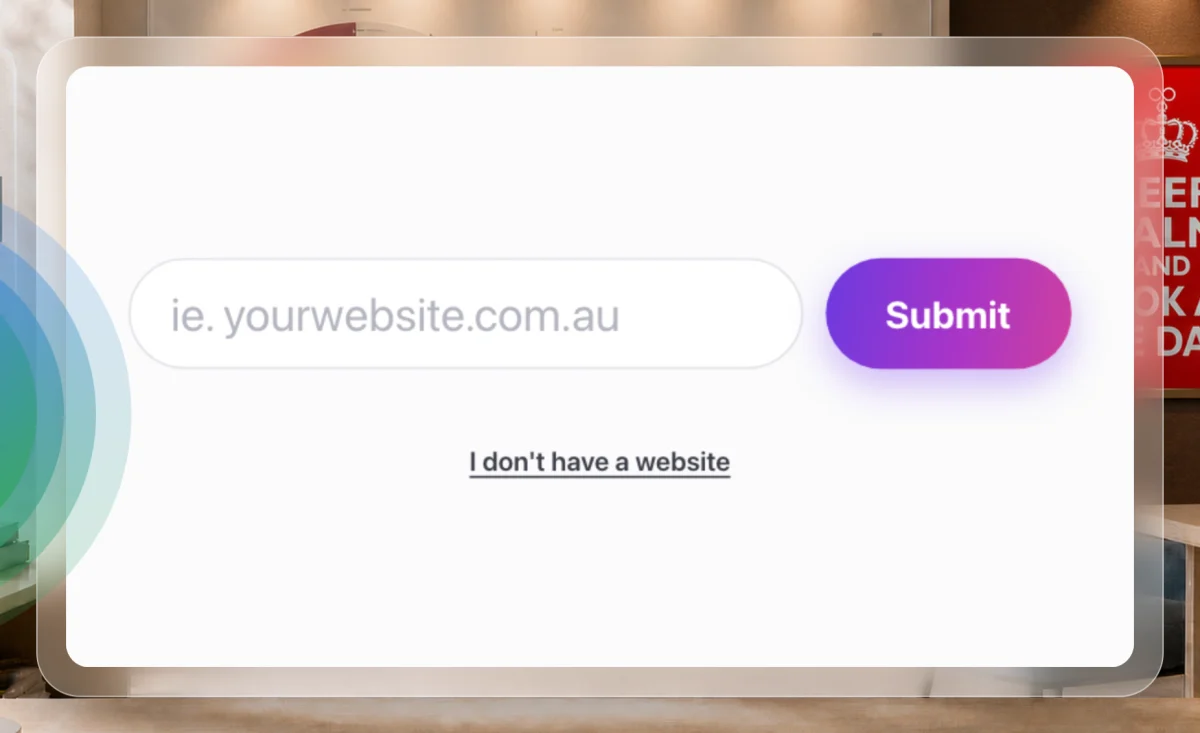
Gage asks you to type in your website address, and a box appears in the call with a Submit button. If you have a website, type the address and click Submit.
1 The link sits under the address field. -
If you have no website, click I don't have a website under the field. Nothing is sent yet: the box changes to Are you sure? and explains that without a website the rest of the call cannot go ahead.
NoteClicking Submit twice with the field empty, or typing "none" or "no website", opens the same question.
Choose Go back or End call
-
To add a website after all, click Go back. The address field comes back and the call carries on as soon as you submit an address.
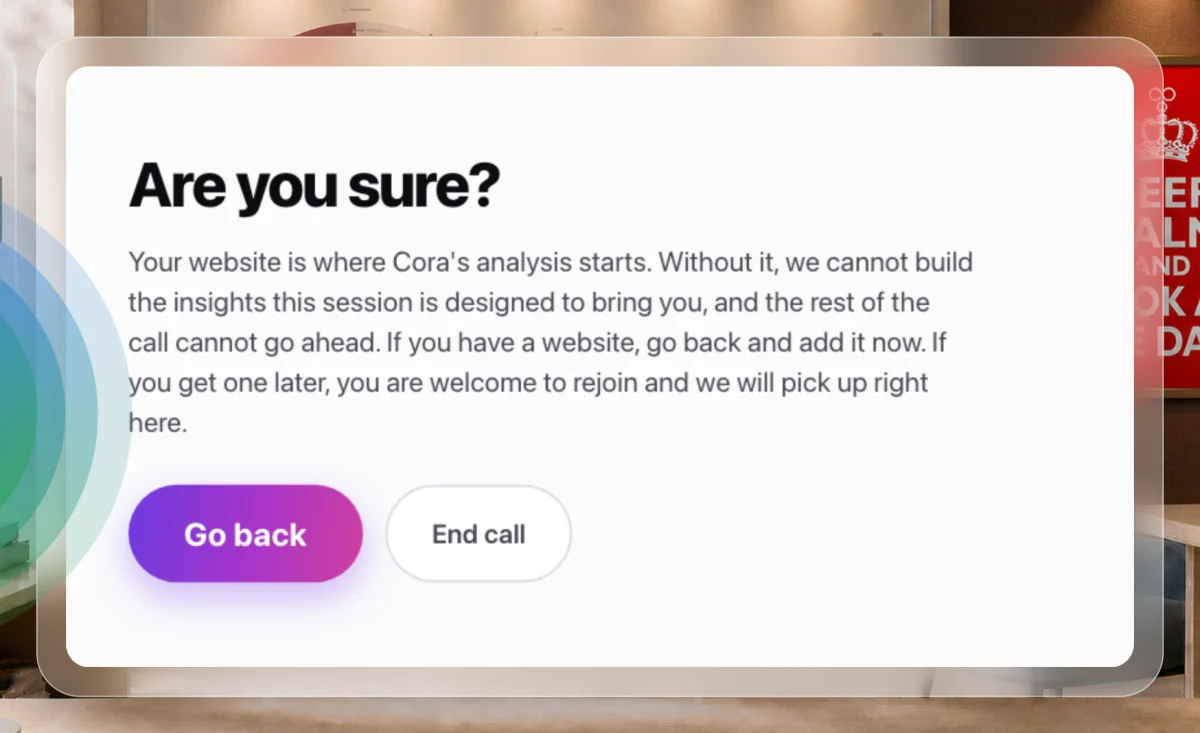
3 Go back to type an address. 4 End call to stop for now. -
To stop for now, click End call. There is no goodbye: the call window closes and you are back on your dashboard.
-
When you have a website, on your dashboard click Rejoin the call. Cora picks up at Gage's website question, and the answers you already gave are kept. The steps are in Rejoin a call that dropped.
What happens next
Once you submit an address, Gage shows it back to you large and reads it out under Is this right?. Click Yes, that's it, or Edit to fix a typing mistake. Gage then looks at your website and the call carries on to your brand and your numbers.
Common questions
Why can't the call go on without a website?
Your website is where Cora's analysis starts: Gage reads it to see which platforms you use, and Dune builds your brand style guide from it. Without it, CoraVision cannot build the insights the call is designed to give you.
Gage says my address needs an ending. What does that mean?
The address must include its ending, such as .com or .com.au. If the field turns amber and says Add the ending, for example .com.au, add it and click Submit again. The address must not contain spaces.
I clicked I don't have a website by mistake. Have I lost my place?
No. The link only asks the question. Click Go back and type your address. Even if you click End call, you can rejoin at the same question.
I only have a Facebook page. Can I use that?
The field accepts any address with an ending, but Cora's analysis is built for a business website. If a website is on the way, end the call and rejoin when it is live. If you are unsure, send us a message from the contact page.