
Send a problem report with your app version
CoraVision has no report button in its menus yet, so you tell us about a problem from the contact page. It takes about five minutes, and four details let us find what happened: your app version, Mac or Windows, the time with your city, and what you were doing.
Find your app version
-
Look at the bottom of your dashboard's sidebar. The version is written there, for example Version 0.4.3. It is also at the top of Settings, Check for updates.
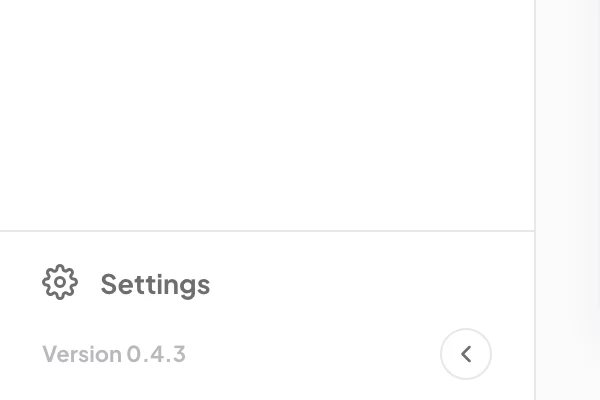
1 Your version is at the foot of the sidebar.
Write down what happened
-
Note the time it happened, with your city: for example, 9:40 am Sydney time. That is how we find it on our side.
-
Note what you were doing: a call (which one), a chat in the pill, or a page of the dashboard, and the last thing you clicked or said.
-
Copy the exact words of any message on the screen. The contact form takes text only, so type them out or copy and paste them.
Send it
-
Open the contact page and sign in with the email and password of your CoraVision account, then the six-digit code we email you, the same as signing in to the app. The form then shows your name and email from your account. Put your notes in Message, including your version and whether you use a Mac or Windows, and click Send.
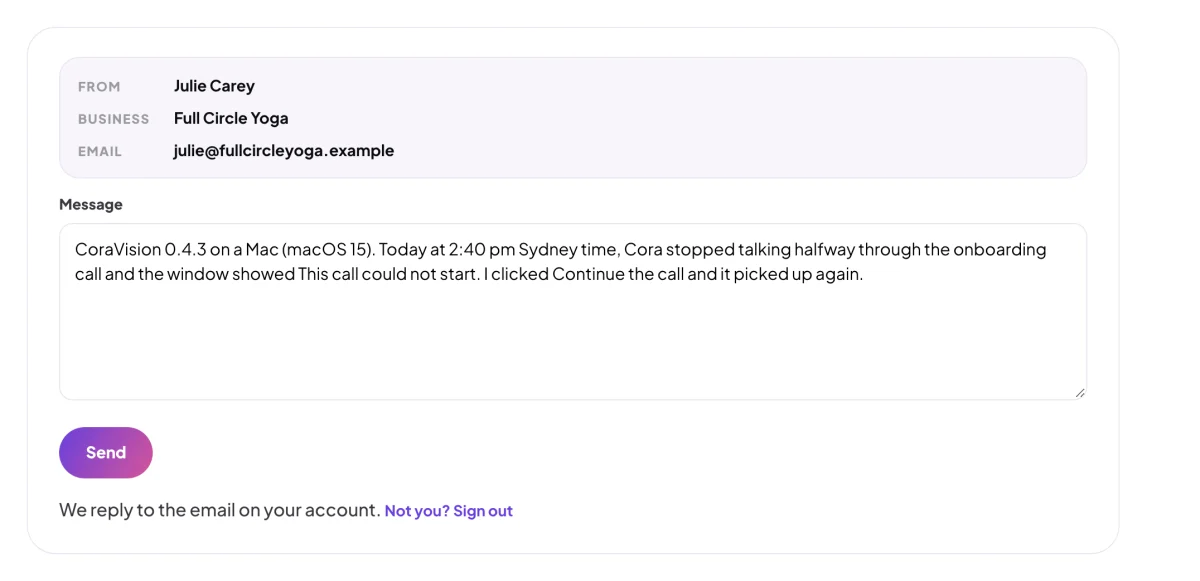
5 Version, computer, time and what happened.
What happens next
A person reads every message and replies within one business day. If we need more, we ask in our reply. The sooner you write after the problem, the easier it is for us to find.
Common questions
Is there a report button in the app?
Not in the menus yet. Until there is one, the contact page is the way to reach us. You sign in there with the same email, password and code as in the app, so we know which account the report is about.
Can I send a screenshot?
The contact form takes text only. Describe what you saw and copy any message word for word; if we need a picture, we will ask in our reply.