
"Cora is getting ready": the loader and what to do
CoraVision shows a loader whenever it is getting a call, a chat or a document ready for you. Most last a few seconds; the two that can take minutes are your brand book in the onboarding call and your strategy before session two, and this guide says what each loader means and when to act.
Before a call: Loading call
-
In the lobby, under Ready to join?, the button reads Loading call… just a moment while your call is set up. Wait. It changes to Join now, or Rejoin call if you are picking a call back up.
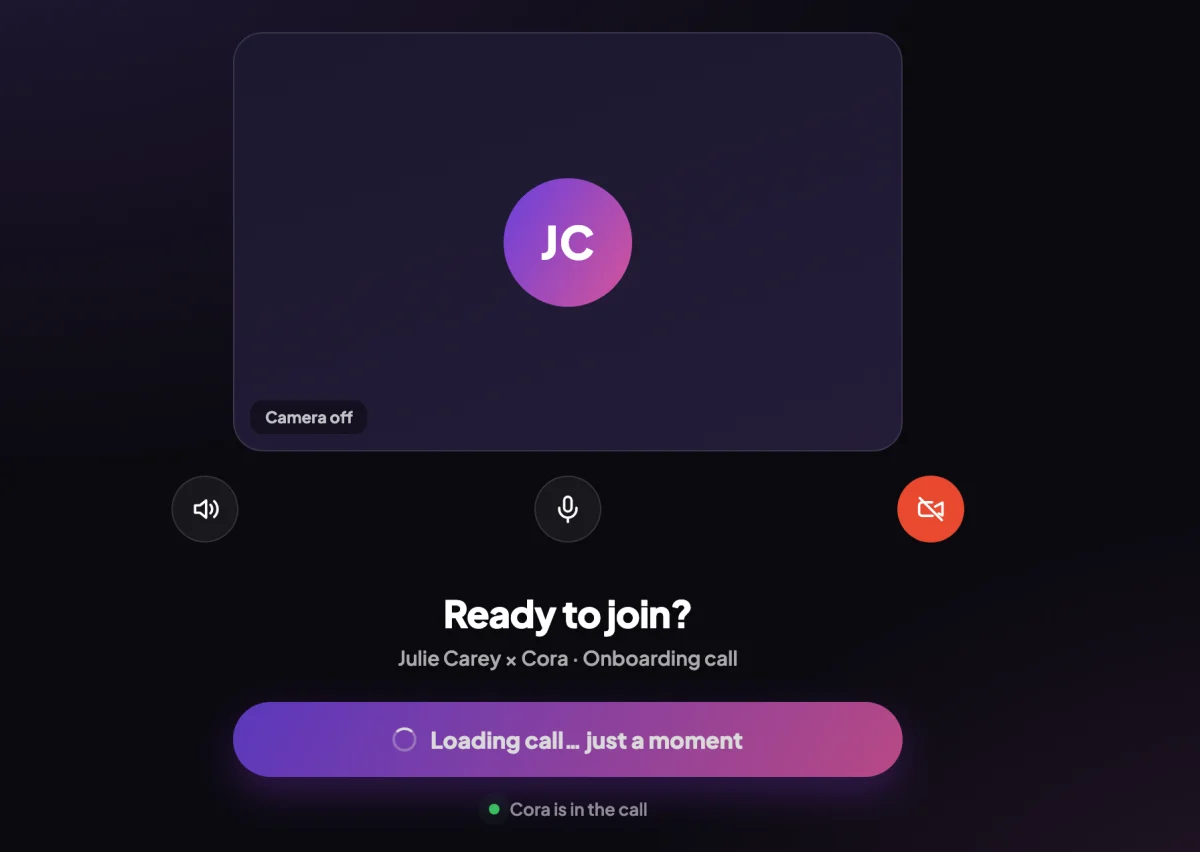
1 The button wakes up as soon as the call is ready. -
After you click Join now, the button reads Loading up meeting while Cora's voice connects, then the call opens. If you see This call could not start instead, follow A call dropped or froze.
In the pill: Connecting...
-
If the pill shows Connecting..., CoraVision is connecting Cora's voice. Wait: it clears by itself when Cora is ready, and you can then turn Cora on.
In your onboarding call: your brand book
-
Before Dune presents your brand book, a slide reads Putting your brand book together, with a bar labelled Preparing your brand book…. Dune builds the book from your answers and your website during the call, and it is usually ready within seconds.
-
If the bar reaches the end first, the slide says This is taking longer than usual. You can keep waiting, or skip it for now. Click Keep waiting to give it another minute; it asks again if it is still not ready. Click Skip to carry on with the call without it.
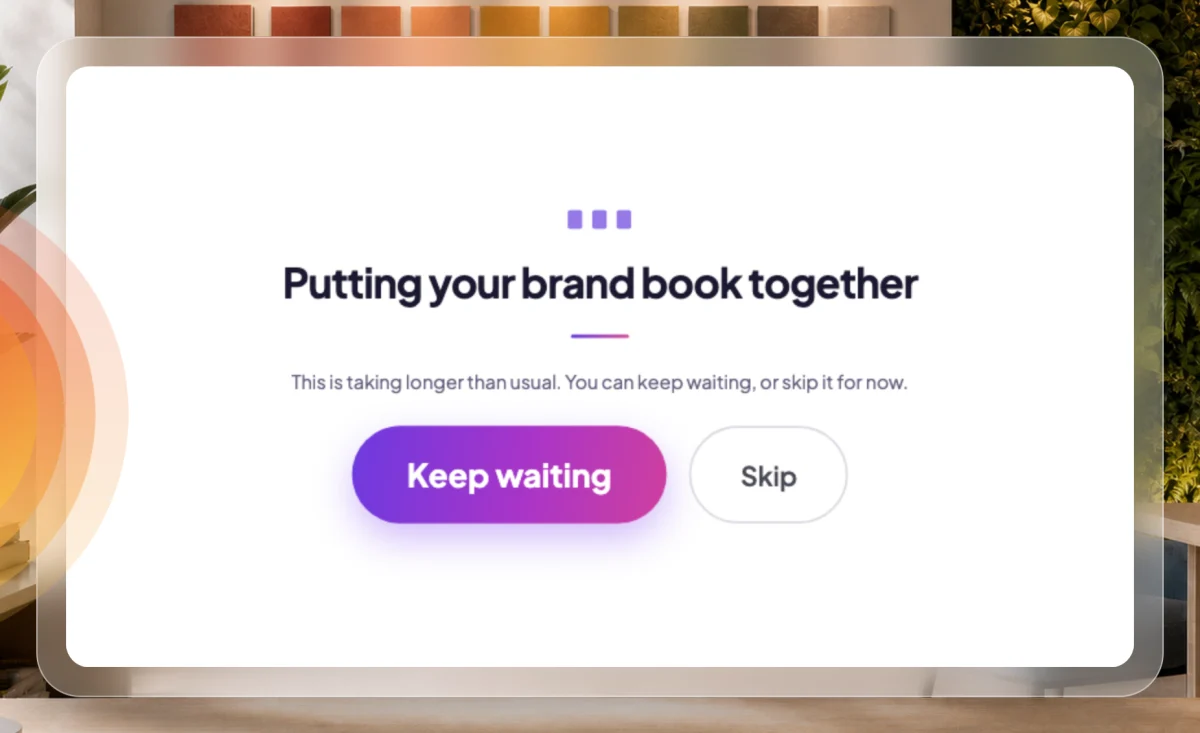
5 Your choice: wait a minute longer, or carry on.
Before and after session two
-
After your onboarding call, Cora prepares your strategy. While Cora does, your dashboard reads Cora is finishing your session two, and session two opens from your dashboard as soon as it is ready. If you click to start it too early, it says Cora is still preparing session two. Try again in a few minutes.
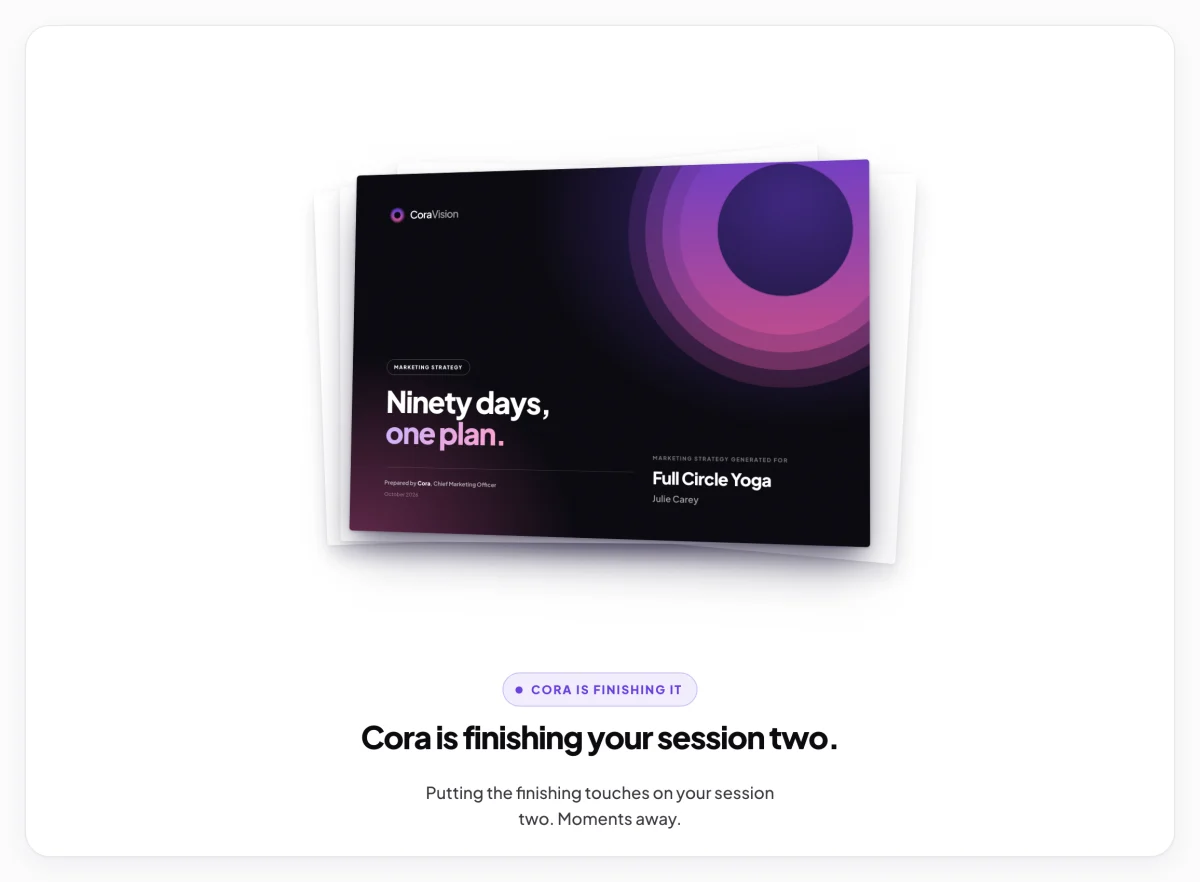
6 Session two opens here when it is ready. -
After session two, your strategy document reads Cora is preparing your strategy document while it is made from the call. It opens on its own, usually within a minute.
If a loader never finishes
-
If your dashboard says Cora could not prepare your session two, nothing was lost: click Check again later.
-
If anything else stays on a loader for more than a few minutes, quit CoraVision and open it again. If it happens a second time, send us a message from the contact page with what the screen said, the time and your city.
What happens next
Each loader gives way to the thing it was preparing: the call, Cora in the pill, your brand book, session two or your strategy document. A slow loader is not a dropped call; your answers are safe the whole time.
Common questions
What happens if I skip the brand book?
The call carries on with the next part, and Dune does not present the brand book in that call.
Does skipping lose my answers?
No. Your answers are kept whichever button you click, and the call carries on from the brand book slide.
Can I close CoraVision while session two is being prepared?
Yes. Cora prepares it on our side, so you can close the app and come back. Session two is waiting on your dashboard when it is ready.