
Who needs to be the account owner (and what to do if an agency runs your ads)
You do not need to be the owner. You need to connect with a Google or Facebook login that has been added directly to the account Cora should read. If an agency runs your ads and you only reach them through the agency's own manager account or business portfolio, ask the agency to add your login to your account first; it takes them a few minutes.
The rule for Google
When you connect, CoraVision lists the Google Ads accounts your Google sign-in has been added to directly. An account you can only open through someone else's manager account (Google calls it an MCC) is not listed, and CoraVision does not read a manager account as your business. Google Analytics, Merchant Center and Tag Manager work the same way: Cora sees the accounts and properties your sign-in has access to.
Because Cora only reads, the lowest level of access each product offers should be enough.
The rule for Meta
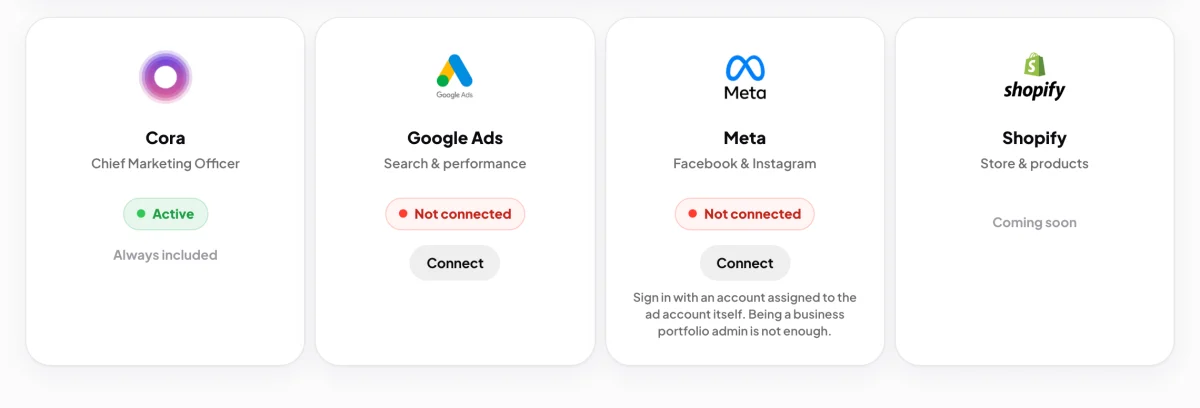
Facebook only lists ad accounts your Facebook profile is assigned to directly. Being an admin of the business portfolio is not enough on its own. The Meta card on your Connectors page says so under its Connect button.
If an agency runs your ads
-
Decide which Google sign-in and which Facebook profile you will connect with. Your own is best: an agency's login can see every client it manages, and you would have to pick your business out of all of them.
-
Ask your agency to add your Google sign-in as a user on your own Google Ads account, not only on their manager account. Ask the same for your Google Analytics property, Merchant Center and Tag Manager if they manage those too.
-
Open the invitation email from Google and accept it.
-
Ask whoever owns your business portfolio in Meta to assign your Facebook profile to the ad account itself, in Business Settings, under the ad account's people.
-
In CoraVision, click Connectors in the sidebar and connect. See Connect Google Ads to CoraVision and Connect Meta (Facebook and Instagram) ads to CoraVision.
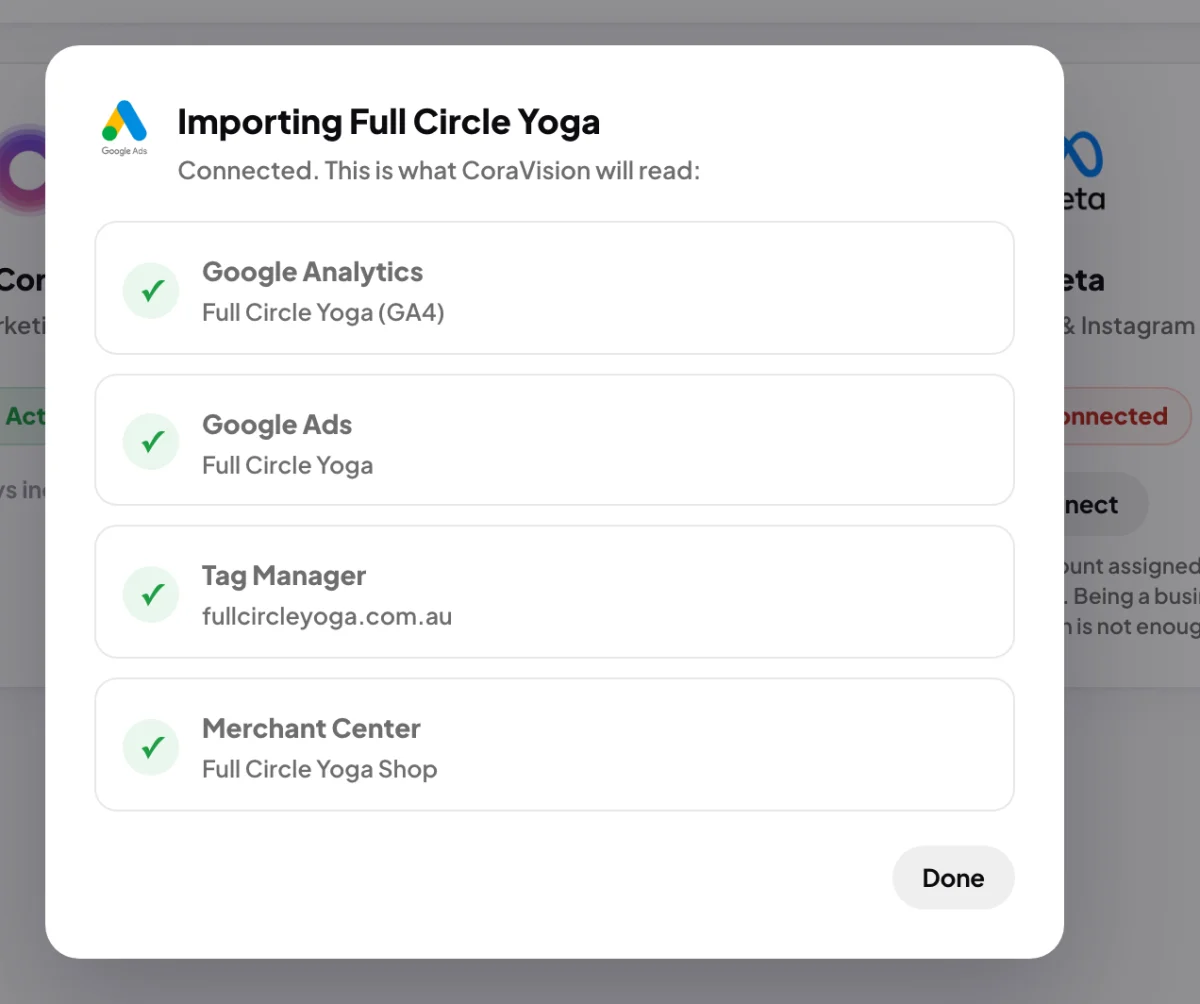
5 A tick beside Google Ads means your access worked.
What happens next
Once your login is on the account, the connection shows your business by name with a tick beside each product it found. Your agency keeps working as before: connecting CoraVision changes nothing in the account and nothing about who can use it.
Common questions
Does the owner have to do the connecting?
No. Anyone whose own login is added to the account can connect it, as long as they connect from your CoraVision account.
Can I connect with my agency's login?
It works, but CoraVision then lists every business that login can see and asks you to choose yours. A login of your own avoids picking the wrong one, and keeps working if you change agencies.
My login is on the account and Cora still cannot see it. What now?
For Meta, see Cora can't see my Meta ad account. For Google, see Choose which Google Ads account Cora reads.