
The connect window closes without connecting
If the Google or Facebook sign-in ends without connecting, the card on your Connectors page goes back to Connect and nothing in your accounts changes. It happens when the browser tab is closed, the permission is declined, or the sign-in takes longer than about five minutes; the steps below get CoraVision back and make the next try work.
Try this first: get back to CoraVision
-
If your browser shows That didn't go through, click the button on that page. It brings CoraVision back to the front.
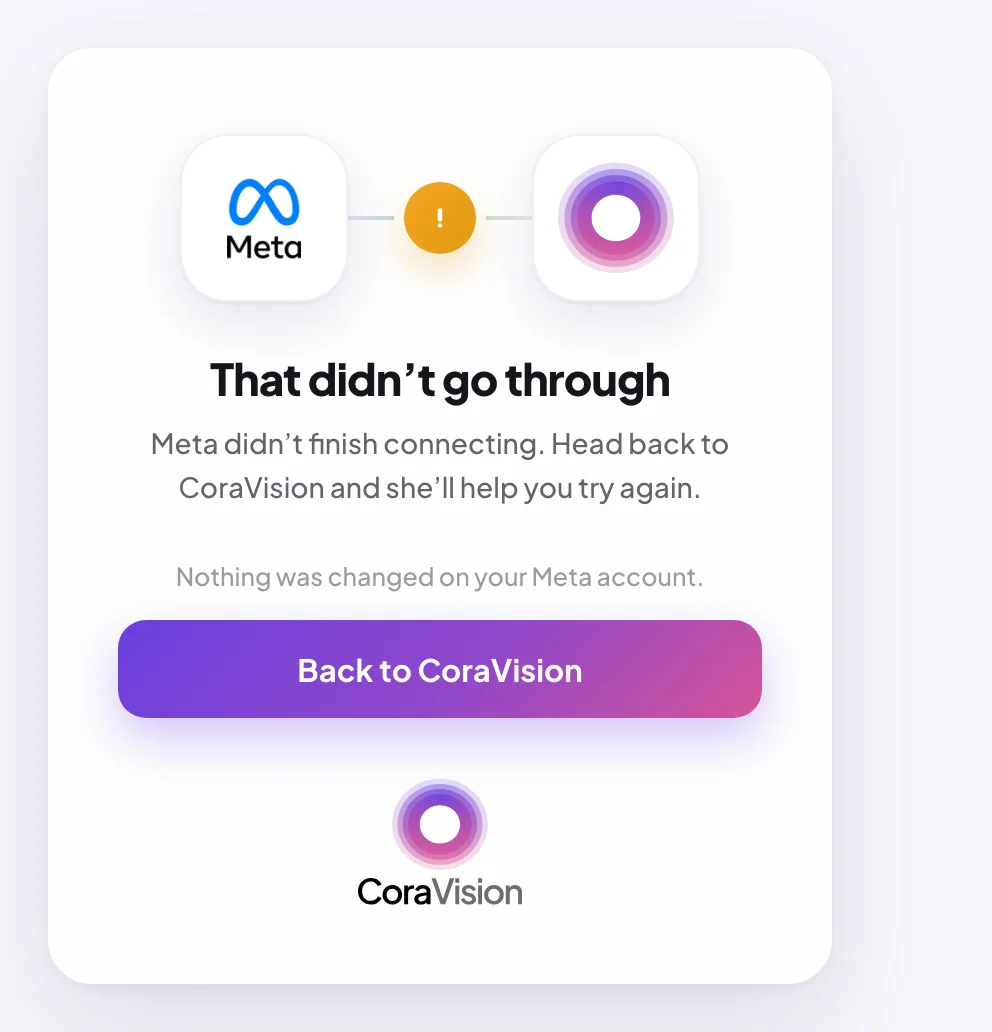
1 This button brings CoraVision back. -
If you closed the browser tab and CoraVision is still out of sight, click Turn Cora's vision off, the small button above the label on the green frame around your screen. CoraVision comes back minimised: click its icon in the Dock (Mac) or the taskbar (Windows).
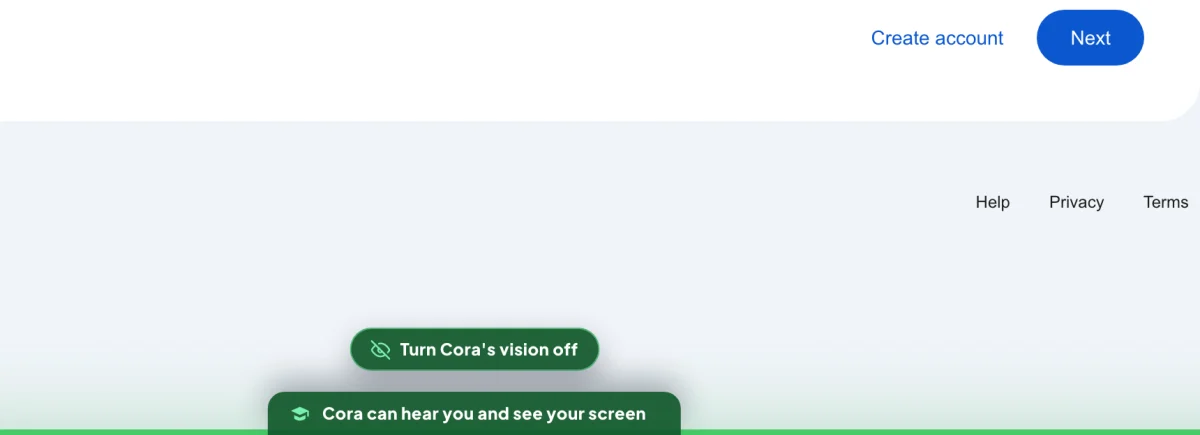
2 Turn Cora's vision off ends the guide and returns the app. -
On the Connectors page, wait until the card shows Connect instead of Connecting…. It can take up to five minutes. Then click Connect again.
If it happens again
-
Sign in to Google or Facebook in your web browser before you click Connect, so the connection only asks you to choose and allow. Finish within five minutes.
-
Look for the sign-in in your default web browser. CoraVision always opens it there, so that passkeys and password managers work, even if you normally use another browser.
-
On Google's or Facebook's permission screen, click Continue, not cancel. If Google says it has not verified the app, see Google says the app is unverified.
-
On Windows, when the browser asks whether to open the CoraVision app after the countdown, click the button that opens it. Tick the box that always allows it, and later connections come back on their own.
-
If it still fails twice, send us a message from the contact page with the time it happened and which platform you were connecting.
What happens next
When the sign-in finishes, your browser shows Google connected (or Meta connected), counts down, and CoraVision comes back to the front with the next step. If the browser says connected but CoraVision stays behind it, click Click here under the countdown.
Common questions
Why did CoraVision's window disappear while I signed in?
It steps aside so it does not cover your browser while Cora guides you. It comes back when the connection lands, or when you click the button on the browser page.
Did anything change in my account when it failed?
No. A sign-in that does not finish gives CoraVision nothing, and nothing in Google or Meta changes either way.
It happened during my onboarding call. What now?
The slide says it did not connect and brings the button back. Try once more or skip, and connect later from Connectors. See Connect your accounts during the onboarding call.